




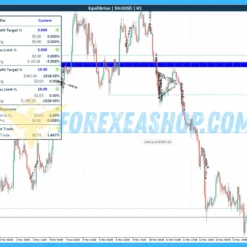
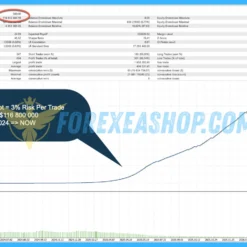
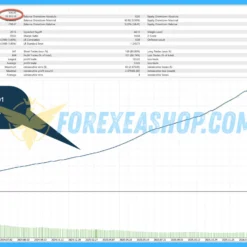

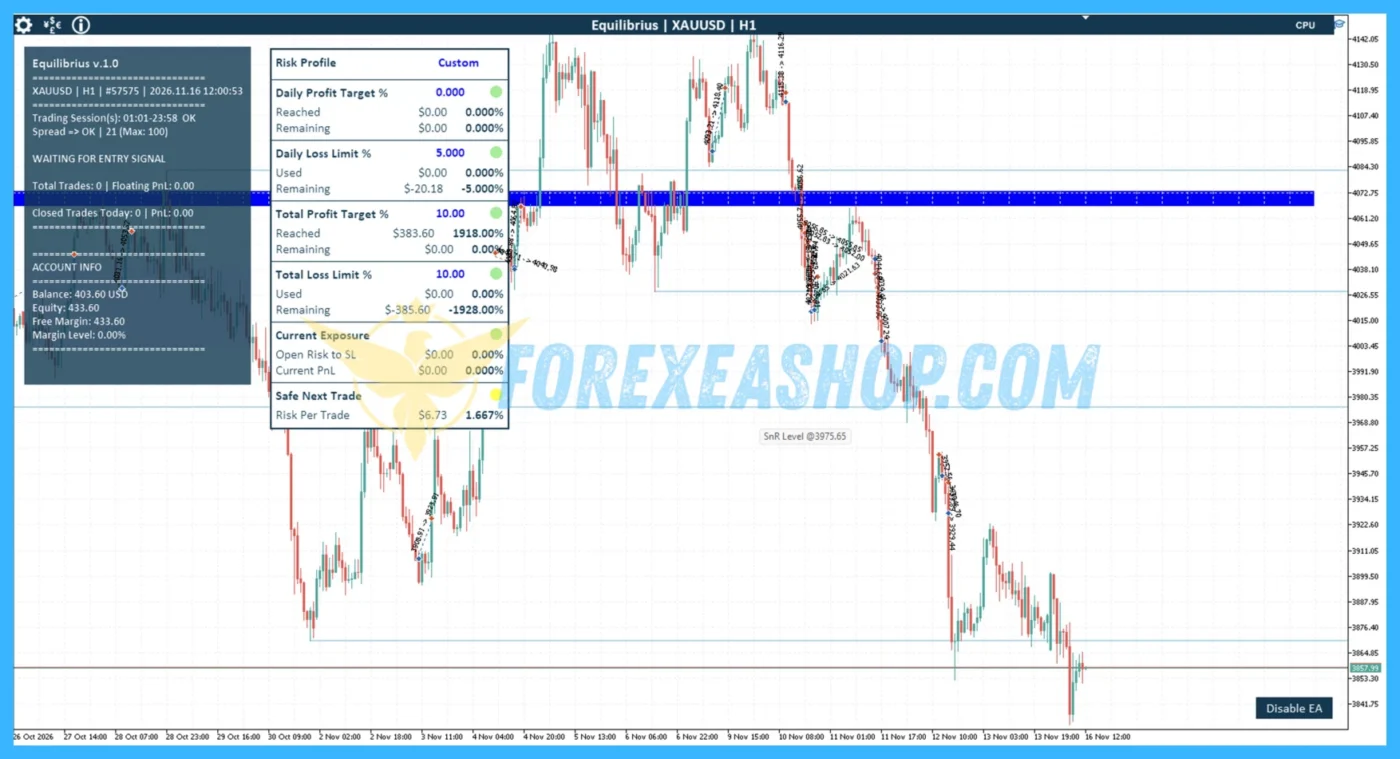
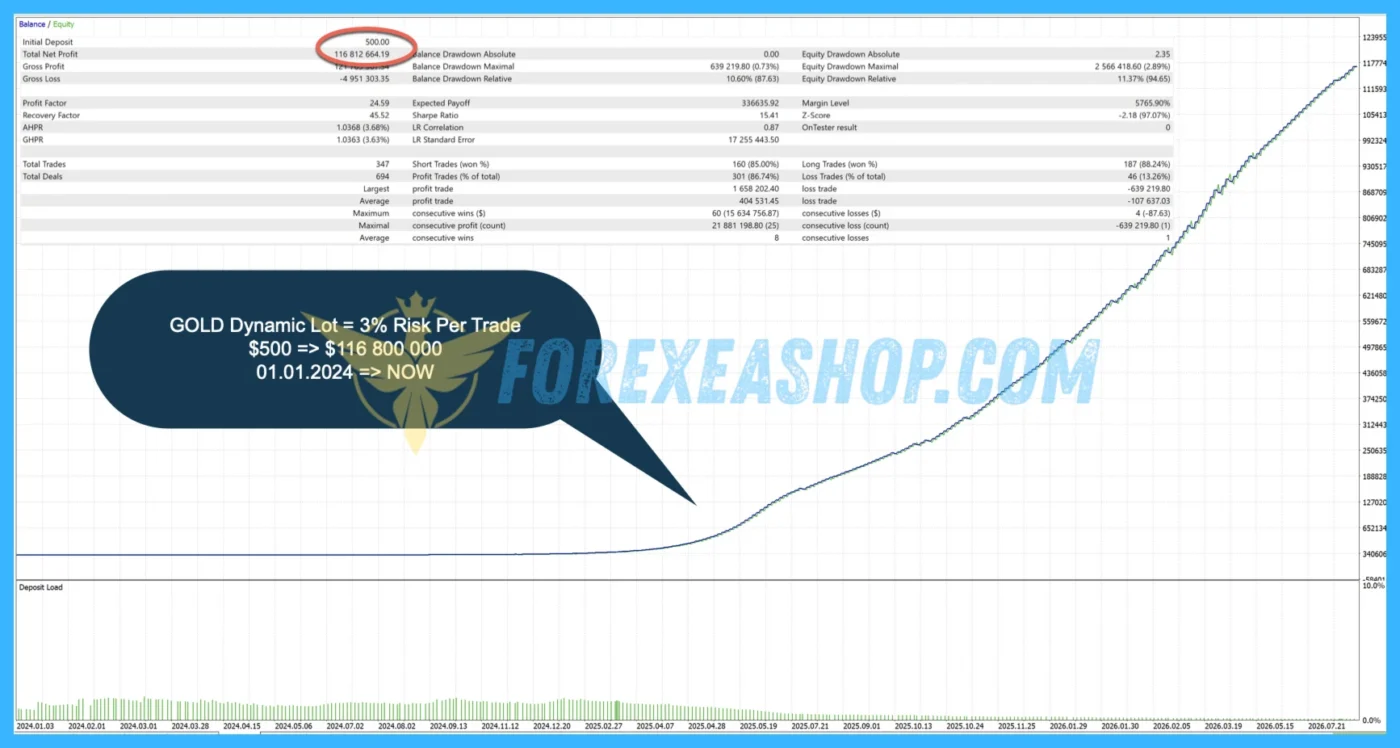
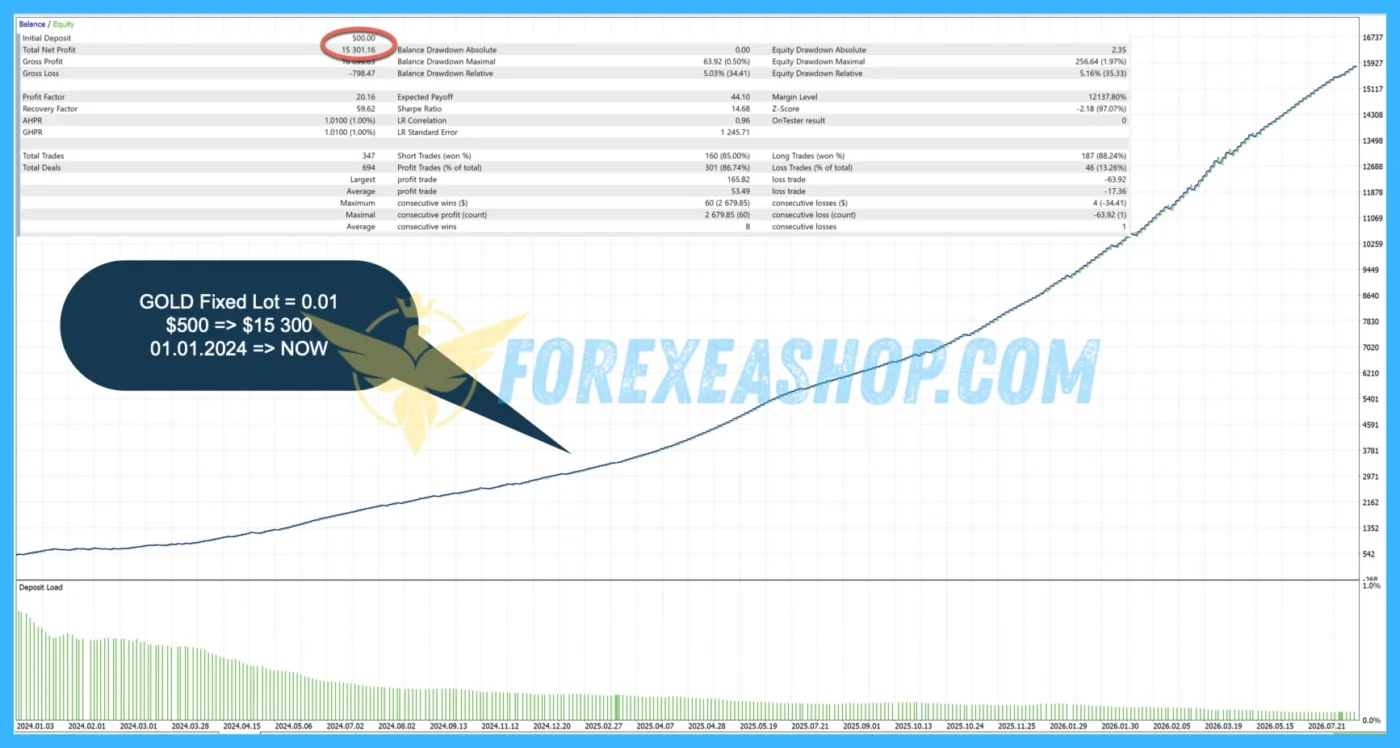
What is Equilibrius?
Equilibrius is a fully automated MetaTrader 5 Expert Advisor designed for Forex trading, combining adaptive price action analysis, candlestick pattern recognition, and configurable Keltner Channel parameters within a unified algorithmic trading framework. The algorithm evaluates candle body characteristics, pin bar proportions, signal sensitivity, and price deviation conditions to identify potential trading opportunities according to predefined analytical rules. Rather than depending on a single technical indicator, the EA incorporates multiple adjustable signal parameters, including adaptive calculation periods, maximum signal age, and trigger conditions, allowing traders to customize how market setups are evaluated. The trading system also provides fixed-lot and automatic risk-based position sizing, configurable Take Profit and Stop Loss levels, optional trailing stops, and maximum order limits to support structured trade management. Its additional functionality includes spread protection, volatility checking, execution retry controls, and customizable order filling modes, making the software suitable for traders seeking a flexible MetaTrader 5 trading robot with extensive strategy configuration options.
Vendor website: https://www.mql5.com/en/market/product/208868

Original price: $499
ForexEAshop price: $19 (You Save 96%)
Key Takeaways
- Equilibrius combines adaptive price action analysis, candlestick structure evaluation, pin bar recognition, and Keltner Channel parameters to identify trading opportunities through configurable technical conditions rather than relying on undocumented Grid or Martingale assumptions.
- The automated software includes fixed-lot and automatic percentage-based money management, configurable Take Profit and Stop Loss distances, optional trailing stop functionality, maximum order limits, and adjustable drawdown-related settings for managing trading exposure.
- The system supports customizable signal sensitivity, optional volatility and spread filters, automatic execution retries, and MetaTrader 5 Strategy Tester optimization, while the developer does not specify mandatory currency pairs, chart timeframes, minimum deposits, or leverage requirements.
Equilibrius Features
- Used on platform: Meta Trader 5.
- Currency pairs: Forex currency pairs, XAUUSD (Gold).
- Time frame: M30, H1.
- Minimum deposit: 500$.
- Recommend use leverage: 1:100 or higher.
- Expert Advisor trading automated 100%.
- Account Type: Standard, ECN, Raw, Cent.
- Support & Resistance Trading => trades both breakouts and rebounds from important market levels.
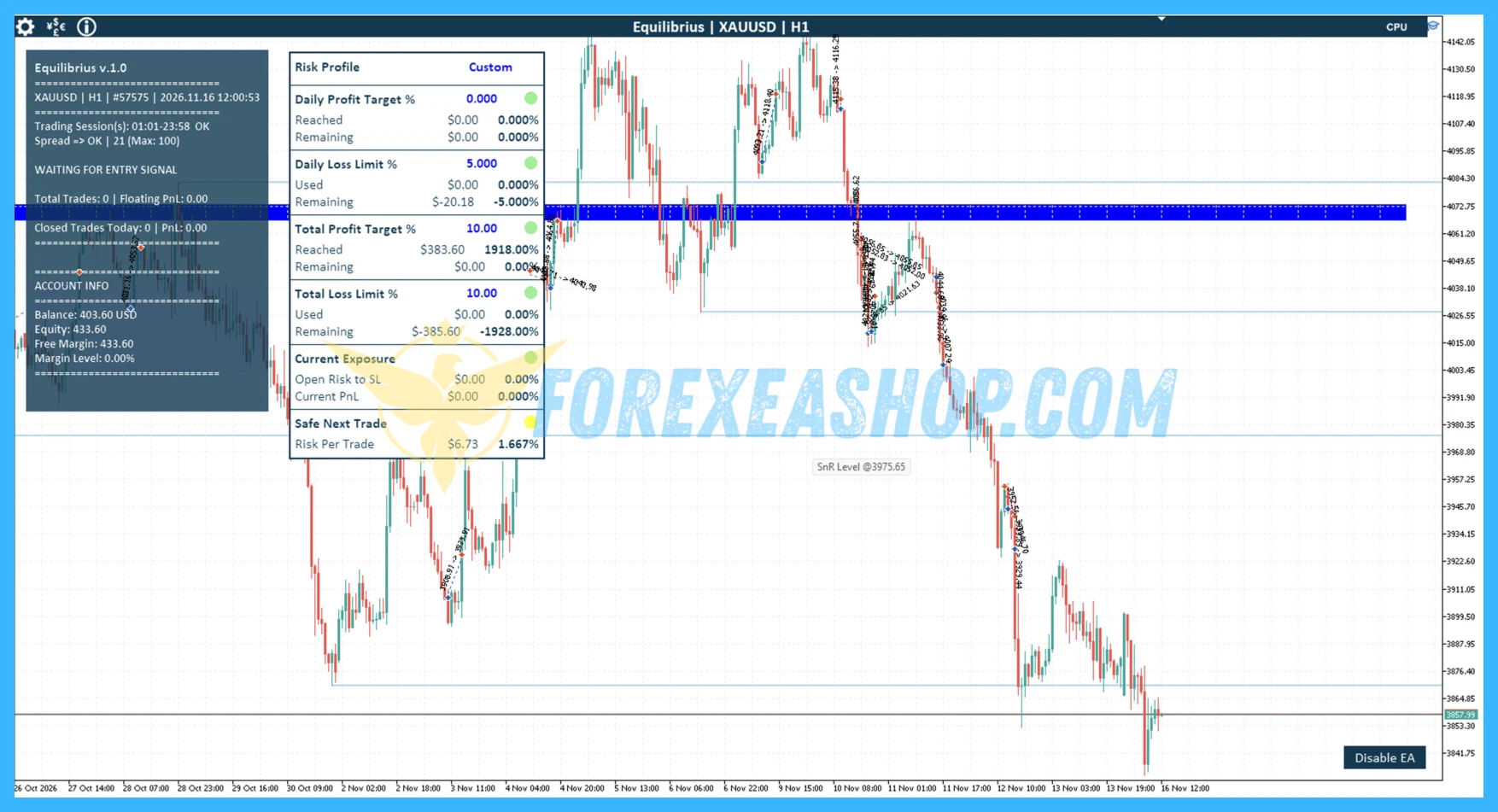
- Prop Firm Ready => advanced Prop Firm risk management panel with color-coded warnings and practical guidance.
- No Grid, No Martingale => only one trade can remain active at a time, keeping exposure controlled and transparent.
- Advanced market filters => additional market analysis helps filter trading conditions and avoid lower-quality SnR setups.
🚀 Recommend Use VPS Forex
To keep Experts Advisor running smoothly 24/7, use a quality Forex VPS. Optimize trading efficiency, no worries about interruptions!
Register VPS NowEquilibrius Review
Equilibrius was officially published on the MQL5 Market on November 17, 2026, by developer Tatiana Savkevych, with version 1.0 introducing its adaptive price action framework, configurable candlestick analysis, Keltner Channel settings, and comprehensive trade management controls. The Expert Advisor’s initial release provides detailed information about its input parameters and trading functionality, but a verified customer review history, established long-term live trading signal, and independently confirmed profitability statistics are not available in the published product information. Traders should therefore evaluate the software through historical backtesting and independent demo forward testing, paying particular attention to signal accuracy, trade frequency, execution quality, maximum drawdown, and the effects of different risk configurations.


Why should you use Equilibrius?
Equilibrius offers a highly configurable approach to automated Forex trading by combining multiple price action signals with adjustable analytical parameters and flexible position management tools. Its candlestick structure analysis, adaptive signal evaluation, Keltner Channel settings, optional market filters, and customizable execution controls provide practical advantages for traders who want to develop and test systematic trading configurations rather than depend entirely on fixed strategy settings.
Advanced Candlestick and Price Action Analysis: Evaluates candlestick structure through configurable parameters covering minimum candle body size, pin bar proportions, and candle analysis sensitivity to identify potential trading opportunities based on price action behavior. These settings allow traders to adjust how the algorithm interprets individual candlestick formations and market movements according to their preferred analytical approach.
Adaptive Keltner Channel Signal Evaluation: Integrates configurable Keltner Channel parameters with adaptive calculation factors, signal integration periods, and trigger conditions to create a flexible technical analysis framework. Traders can modify the Keltner Bands multiplier and related signal settings to evaluate how different market conditions influence the algorithm’s trading decisions.
Configurable Signal Validity and Entry Precision: Provides adjustable maximum signal age, permitted price deviation, and analytical sensitivity settings to control how potential trading opportunities are evaluated before execution. These parameters allow traders to experiment with different signal validation conditions and investigate their effects on trade frequency, entry timing, and historical strategy performance.
Flexible Money Management and Position Sizing: Supports fixed trading volumes and automatic money management based on a configurable risk percentage, allowing traders to select between consistent lot sizes and dynamically calculated position volumes. The default configuration includes a fixed lot reference of 0.01 and automatic money management with a 14% risk parameter, but this percentage represents a software default rather than a recommended allocation and should be reduced or otherwise carefully evaluated according to individual risk tolerance.
Comprehensive Stop Loss and Trailing Stop Management: Includes configurable Take Profit and Stop Loss distances, maximum order limits, and optional trailing stop functionality to help traders establish predefined trading objectives and position management conditions. The default configuration specifies 1,000 pips for both Take Profit and Stop Loss, with trailing stops disabled initially and optional activation and adjustment values of 700 and 200 pips respectively, allowing these parameters to be customized for the selected trading instrument.
Spread Protection and Advanced Execution Controls: Features optional volatility checking and maximum spread filtering to help restrict trading activity when market conditions or transaction costs exceed configured thresholds. The system also provides adjustable order filling modes, a maximum execution retry setting, individual Magic Number identification, and customizable trade comments, supporting more precise control over automated order handling across different broker environments.
Trading Specifications
Recommended settings and parameters to pay attention to from developers and experts:
| Trading platform | MetaTrader 5 (MT5) |
| Currency pairs | Forex currency pairs, XAUUSD (Gold) |
| Time frame | M30, H1 |
| Minimum deposit | 500$ |
| Recommend leverage | 1:100 or higher |
| Setup files | Default settings |
| Product type | Without DLL / Unlimited / 1 Year Updates Included |
| Recommend Broker | Exness Broker / ICMarket Broker / Tickmill / Roboforex |
| Virtual Private Server (VPS) | FXVM Forex VPS provides reliable Windows VPS solutions optimized for MT4/MT5, helping keep Expert Advisors and automated trading platforms online 24/7 |
How to install and run the Equilibrius Trading Bot in Metatrader 5?
- Open the Metatrader 5 platform
- From the top menu, click on File
- Now click on Open Data Folder
- Open the MQL5 folder
- Open the Experts folder
- Copy the Equilibrius.ex5 file here
- Then close and restart the MT5 platform
- Attach the Expert Advisor to the chart
- Now, you are ready to start using the Equilibrius MT5.
If you have any questions regarding EA installation, you can view the information in the Help Center to assist you in installing the EA: Click to view
Equilibrius Download Package
Link download Equilibrius MT5 will be sent to your email after purchase.
Installation guide (if any) will be sent immediately via email after your purchase, or you can directly download it from the website, under the section: My account -> Download.
+ Expert Advisor Download:
- Equilibrius.ex5
- Unlimited / NoDLL / Build New
- 1 Year Updates Included (If there is a new update, please check in the download on the forexeashop website or you can contact us via Email or Telegram Lucas Jason and provide proof of purchase, we will send you the update)
Conclusion
Equilibrius trading solution for MetaTrader 5, combining adaptive price action analysis, candlestick pattern recognition, and Keltner Channel parameters within a comprehensive algorithmic trading framework. Its flexible signal evaluation settings, automatic position sizing, predefined protective exits, and optional trailing stop functionality allow traders to customize trade identification and management according to their preferred trading approach. The Expert Advisor also includes maximum order restrictions, spread filtering, volatility checks, and execution retry controls, providing additional configuration options for different market conditions and broker execution environments. Before live deployment, review the default parameters carefully, particularly the 14% automatic money management risk setting, maximum order limit of nine, and initially disabled spread and volatility filters, while confirming suitable account capital and margin availability for the selected trading instrument. Use the MetaTrader 5 Strategy Tester to evaluate different currency pairs, timeframes, and strategy configurations, then conduct independent demo forward testing to assess signal reliability, execution slippage, position exposure, and maximum drawdown before committing real capital.
Frequently Asked Questions (FAQs)
What platform does Equilibrius use?
Equilibrius is developed for MetaTrader 5 and operates as an automated Forex Expert Advisor combining adaptive price action analysis, candlestick pattern recognition, and configurable Keltner Channel settings. The software also includes fixed and automatic position sizing, adjustable protective exits, optional trailing stops, and customizable execution parameters.
Which currency pairs and timeframes are recommended?
The developer presents the Expert Advisor as a configurable Forex trading system but does not specify mandatory currency pairs or a particular chart timeframe. Traders should evaluate their preferred instruments and timeframes through the MetaTrader 5 Strategy Tester and verify that the selected configurations perform appropriately under realistic broker trading conditions.
What is the minimum deposit and recommended leverage?
The developer does not specify a mandatory minimum deposit or recommended leverage, so suitable account capital depends on the selected currency pair, broker margin requirements, trading volume, and maximum permitted number of orders. The default configuration enables automatic money management with a 14% risk parameter and allows up to nine orders, making conservative adjustments and careful margin calculations particularly important before live deployment.
How does the Expert Advisor manage trading risk and protect positions?
The trading system provides configurable Stop Loss and Take Profit distances, optional trailing stops, maximum order limits, automatic percentage-based position sizing, and a dedicated drawdown-related configuration parameter. Its default settings include a 1,000-pip Stop Loss, a 1,000-pip Take Profit, and disabled trailing stop functionality, so traders should review these values carefully because protective settings cannot eliminate losses during unfavorable market conditions.
Does Equilibrius use Grid or Martingale trading strategies?
The developer describes the Expert Advisor as an adaptive price action trading system with configurable order limits and money management, but the published documentation does not explicitly confirm or exclude Grid averaging or Martingale position progression. Traders should examine historical order sequences, position sizes, and drawdown behavior through the MetaTrader 5 Strategy Tester before determining whether the trading logic matches their preferred risk management approach.
Does the Expert Advisor require a VPS and support spread filtering?
A reliable VPS is recommended for maintaining continuous MetaTrader 5 operation and consistent automated execution, although the developer does not specify VPS hosting as a mandatory technical requirement. The EA includes optional spread protection, volatility checking, configurable order filling modes, and automatic execution retries, with spread and volatility filters disabled by default and requiring activation when traders want those additional trading restrictions.
Shopping Guide and Important Information
We Accept Payment: Cryptocurrency, USDT, Binance Pay, Skrill, Paypal: Click to view
More payment methods please contact: Email or Telegram Admin.
Cryptocurrency, PayPal: Our website checkout system automated.
Memo: Your email + EA name
EA will be send to your email ASAP. The download link will be sent to your email within 5 minutes after the order is confirmed.
Some EAs will need to wait a few hours to up to 12 hours to receive the download link.
Please read and agree to the information below before purchasing our products:
Term & Condition
Refund Policy
Privacy Policy
Beginner traders should research and learn about trading before using any EAs.
Please make sure you understand the risks involved with trading and that past performance is no guarantee for future results. (EA could also make losses).
The product does not guarantee profits and demands resilience, patience, and a positive attitude in forex trading.
Before use, please test the EA on a demo account first.
Happy trading.


Reviews
There are no reviews yet.