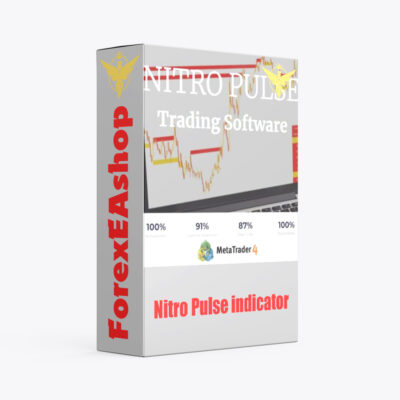
What is Nitro Pulse?
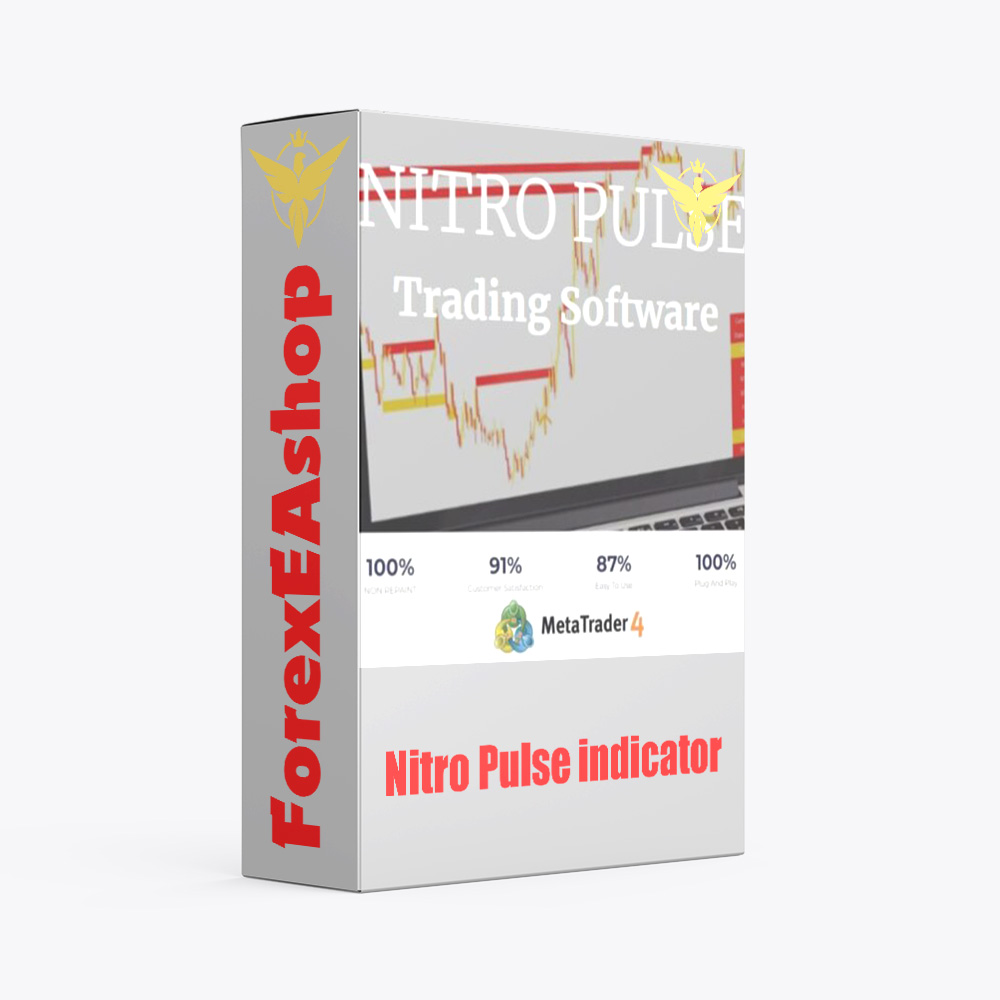
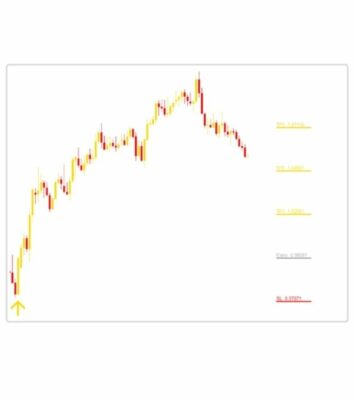
Nitro Pulse is a new software developed for Meta Trader 4 and tradingview platform, it indicator provides easy signals with exact: entry, stop loss, take profit. Nitro Pulse contais also multi-timeframe dashboard that shows trend on various TF’S, as well overall trend ( or consolodation), the high powered, easy-to-use Nitro Pulse system spots high value trade volatility and issues buy and sell trade signals for Profit Maximization. System use predictive self-updating algorithm that calculates real-time volatility and price action for maximum efficiency, can use any timeframe but recommend to apply it on M15 and above Time Frame.
Vendor website: https://10bucksfx.com/nitropulse/

Original price: $49
ForexEAshop price: $14 (You Save 71%)
Key Takeaways
- Nitro Pulse is a new software that provides easy trade signals with exact entry, stop loss, and take profit levels, making it easier for traders to maximize profits
- The system is equipped with a self-updating algorithm that calculates real-time volatility and price action, allowing traders to make informed decisions based on market conditions
- Nitro Pulse can plot support and resistance zones on charts, helping traders determine where to close trades and achieve their desired risk to reward ratio
Nitro Pulse Features
- Used on platform: Meta Trader 4 or Trading view
- Can use any timeframe but recommend to apply it on M15 and above timeframe
- 100% Non repaint
- 91% Customer satisfaction
- 87% Easy to use
- 100% Plug and play
- Signal settings optimization: Adjustable signals
- Support & Resistance levels: Plots when the previous highs and lows is broken
- Built-In TP & SL Levels: Automatically adjusted based on market volatility
- Multi-Timeframe Dashboard: Check signals across all timeframes
- Works in any market
🚀 Recommend Use VPS Forex
To keep Experts Advisor running smoothly 24/7, use a quality Forex VPS. Optimize trading efficiency, no worries about interruptions!
Register VPS Now
- Mobile notification – Entry, TPs, and SL
Get notified whenever a potential trade is happening for stocks, cryptocurrency, and forex. You can set-up notifications that will come straight to your phone via push notifications, emails, and pop-up alerts. Can set-up notifications that will come straight to your phone via push notifications, emails, and pop-up alerts.

Nitro Pulse Trading Software Work
Let’s watch the video of the Nitro Pulse system working on the MT4 platform:
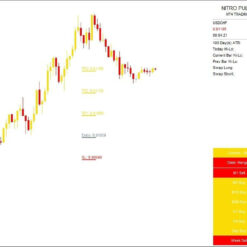
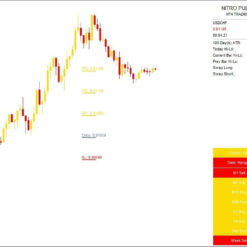
Built-in Take Profit & Stop Loss Levels
This buil-in TP & SL feature is automatically adjusted based on market volatility. TP and SL levels are adjustable

Multi-Timeframe dashboard
Allows user to see last signals across all timeframes and trending or ranging condition

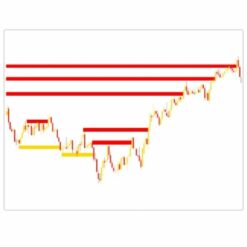
Adjustable Support / Resistance Zone
Support and Resistance zone that plots when the previous highs and lows is broken. This can be adjusted to three different settings

Nitro Pulse Signals Meta Trader 4
Nitro Pulse can plot support and resistance zones on charts, helping traders determine where to close trades and achieve their desired risk to reward ratio.


You can watching How to video set Nitro Pulse :
How to install and run the Nitro Pulse Indicator Trading Bot in Metatrader 4?
- Open the Metatrader 4 platform
- From the top menu, click on “File”
- Now click on “Open Data Folder”
- Open the “MQL4” folder
- Open the “Indicator” folder
- Copy the Nitro Pulse Indicator file here
- Then close and restart the MT4 platform
- Attach the Expert Advisor to the chart
Now, you are ready to start using the Nitro Pulse Indicator MT4!
If you have any questions regarding EA installation, you can view the information in the Help Center to assist you in installing the EA: Click to view
Nitro Pulse Download
Link download Nitro Pulse Indicator MT4 will be sent to your email after purchase.
Installation guide (if any) will be sent immediately via email after your purchase, or you can directly download it from the website, under the section: My account -> Download.
Updated September 29, 2024: Nitro Pulse Indicator MT4 (Build 1422+) ( Without DLL)
+ Expert Advisor Download :
- Nitro Pulse Indicator MT4 Unlimited / NoDLL / Build New
- 2 Indicators + Templates
- Free 1 Year Updates (If there is a new update, please check in the download on the forexeashop website or you can contact us via Email or Telegram Lucas Jason and provide proof of purchase, we will send you the update)
Nitro Impulse.ex4
NitroDash.ex4
NitroPulse.tpl
Shopping Guide and Important Information
We Accept Payment: Cryptocurrency, USDT, Binance Pay, Skrill, Paypal: Click to view
More payment methods please contact: Email or Telegram Admin.
Cryptocurrency, PayPal: Our website checkout system automated.
Memo: Your email + EA name
EA will be send to your email ASAP. The download link will be sent to your email within 5 minutes after the order is confirmed.
Some EAs will need to wait a few hours to up to 12 hours to receive the download link.
Please read and agree to the information below before purchasing our products:
Beginner traders should research and learn about trading before using any EAs.
Please make sure you understand the risks involved with trading and that past performance is no guarantee for future results. (EA could also make losses).
The product does not guarantee profits and demands resilience, patience, and a positive attitude in forex trading.
Before use, please test the EA on a demo account first.
Happy trading!


Reviews
There are no reviews yet.