

Review
Download Alpari MT4: Trade Forex & CFDs with Fast Execution and EAs
Downloading Alpari MT4 is straightforward and free, letting you trade Forex pairs and CFDs on a customized MetaTrader 4 platform with fast execution speeds under 50ms and full support for Expert Advisors (EAs). This setup from Alpari connects directly to your account for seamless access to majors like EUR/USD, commodities such as gold, and even cryptos like Bitcoin. You get tools for manual trades, automated strategies, and real-time charts without any upfront costs.
Alpari MT4 supports a wide range of instruments, including over 60 Forex pairs grouped into majors, minors, and exotics, plus CFDs on indices, metals, energies, and cryptocurrencies. Leverage goes up to 1:1000 on some accounts, which helps amplify positions while keeping risks in check. You’ll find tight spreads starting from 0 pips on ECN accounts, making it practical for day trading.
Fast execution on Alpari MT4 processes orders in under 50ms using ECN/STP models, with no dealing desk interference or requotes. This means your trades hit the market quickly, even during news events. Scalpers and EA users benefit most from this low latency.
Ready to get started? The sections below walk you through everything from download to running EAs, so you can trade Forex and CFDs with confidence on Alpari MT4.
What is Alpari MT4?
Alpari MT4 is a customized version of the MetaTrader 4 platform tailored by Alpari for Forex and CFD trading, featuring account integration and core tools like advanced charting. Specifically, this platform builds on the standard MT4 base with Alpari-specific servers for direct login.
Alpari MT4 serves as your central hub for trading. It combines the reliability of MetaTrader 4, a staple since 2005, with Alpari’s brokerage enhancements. Think of it as a bridge between your trading account and the markets. You log in with your Alpari credentials, and it pulls live quotes, balances, and order history automatically.
Core trading tools stand out here. You have 30+ indicators built-in, from Moving Averages to custom oscillators, plus 24 analytical objects like Fibonacci retracements. One-click trading speeds up entries, while the Strategy Tester lets you backtest ideas on historical data. For Forex, this means precise analysis of pairs like GBP/JPY. CFD traders get similar depth for indices such as the Dow Jones.
Account integration simplifies everything. Link your demo or live Alpari account, and you’re set. No separate apps needed. This setup supports multi-account management, so if you run several strategies, you switch easily. Alpari optimizes it for their ECN environment, ensuring quotes match what you see on their site.
Why does this matter for beginners? Imagine spotting a breakout on EUR/USD. With Alpari MT4, you draw trendlines, set pending orders, and execute in seconds. Pros use it for its MQL4 language to code EAs, automating trades across assets.
Platform overview highlights its stability. MT4 runs on Windows, with web and mobile versions for flexibility. Alpari’s version adds VPS hosting options, keeping your EAs running 24/5 without your PC on.
In practice, traders report smooth performance. During volatile sessions like Non-Farm Payrolls, charts update without lag. This customization makes Alpari MT4 a go-to for Forex and CFDs.
Is Alpari MT4 Free to Download?
Alpari MT4 is free to download for all new and existing Alpari clients, with no hidden fees or subscriptions. Head to the official Alpari website, and the installer awaits without costs. Specifically, this applies across demo and live accounts.
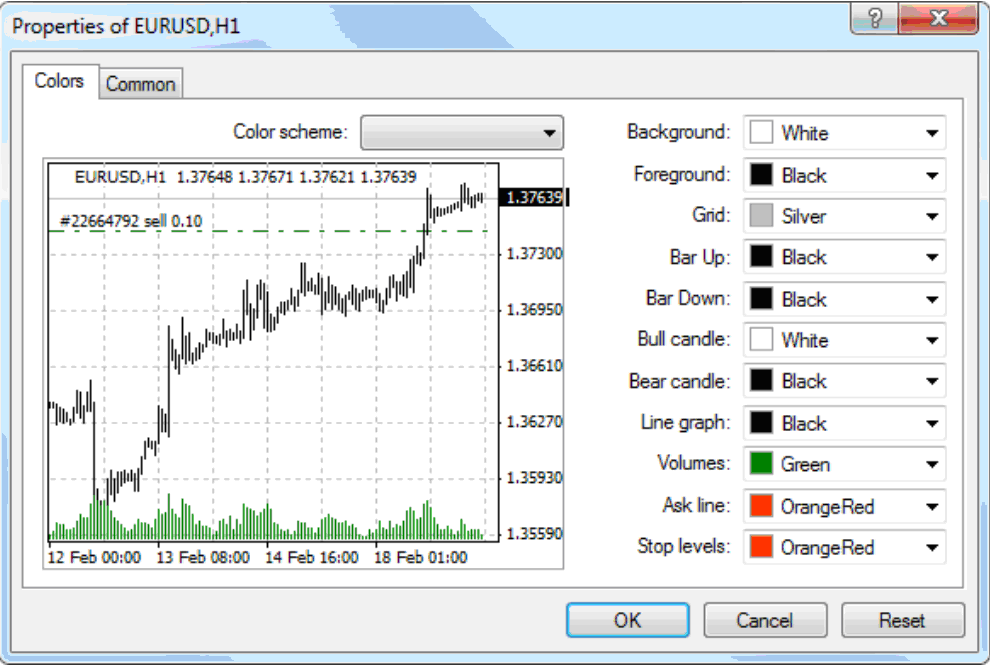
Verification starts simple. Visit alpari.com, navigate to the platforms section, and select MT4 for desktop. The download link appears immediately. For mobile, grab it from Google Play or the App Store under “Alpari MT4.” No payment details required.
Compatibility checks are key. On Windows, it works from version 7 onward, including 10 and 11. macOS users run it via Wine or Parallels, but Alpari provides a native web version as backup. Test on your device first with the demo to confirm.
Steps to verify: Download the .exe file (around 5MB), run the installer, and choose a demo server during setup. If issues arise, like antivirus flags, add exceptions for MT4.exe. Apple users find the iOS app directly in the store, optimized for iPhone and iPad.
For example, a Windows 10 user downloads in under a minute, installs, and logs in. Mac users might use the web trader at mt4.alpariforex.org, which mirrors the desktop fully.
This free access opens doors. New traders practice risk-free, while veterans add it to existing setups.
What Instruments Can You Trade on Alpari MT4?
Alpari MT4 offers Forex pairs grouped into majors (like EUR/USD), minors (like EUR/GBP), and exotics (like USD/TRY), plus CFDs on indices, commodities, and cryptos, with leverage up to 1:1000. Market Watch lists them all for quick access.
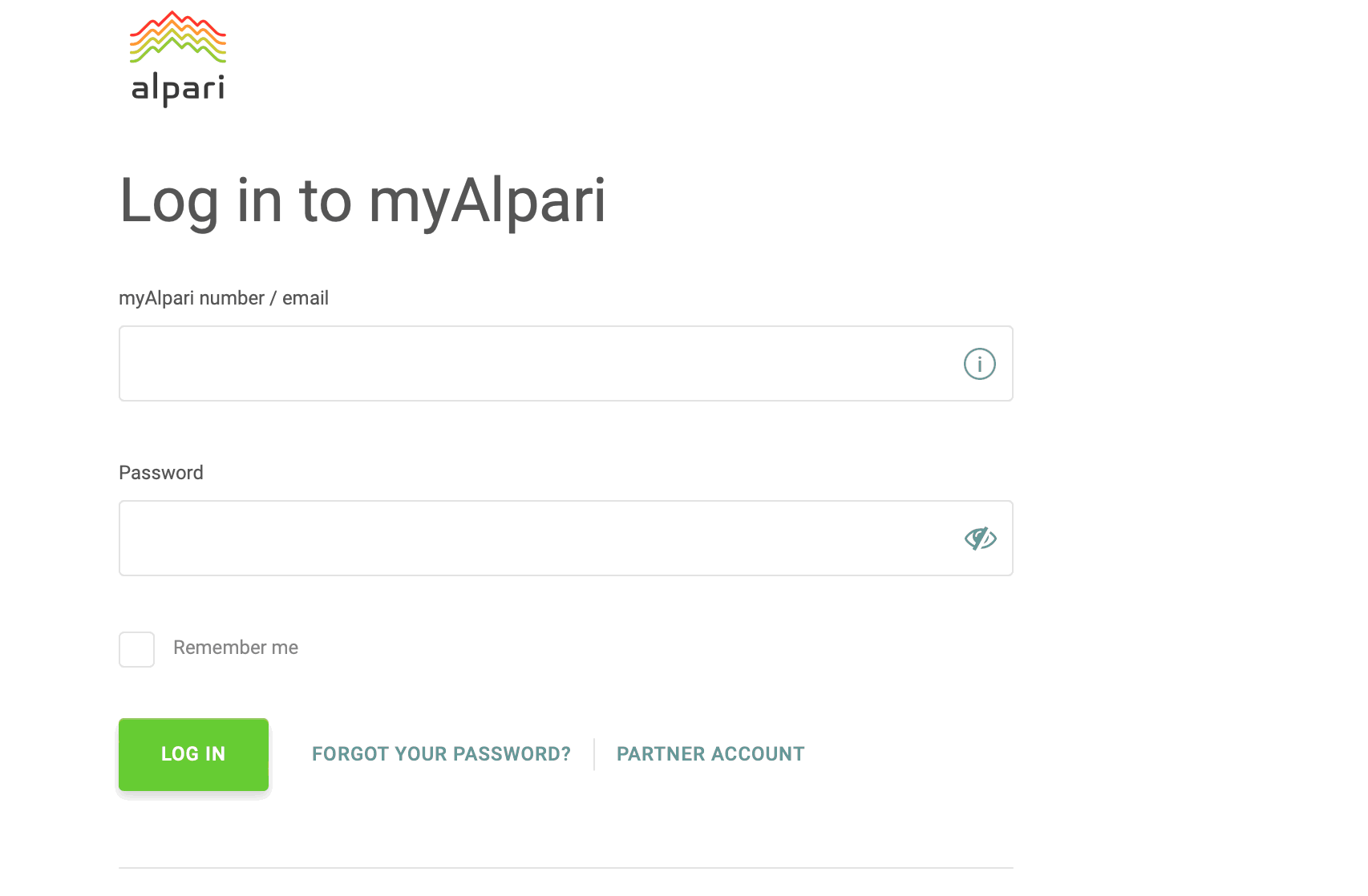
Forex majors dominate with 20+ pairs, tight spreads from 0.0 pips. Minors add crosses without USD, ideal for regional plays. Exotics bring higher spreads but volatility for advanced strategies.
CFDs expand options. Indices include US30, GER40; commodities cover XAU/USD gold, USOIL; cryptos like BTC/USD trade 24/7. Leverage varies: 1:1000 for majors, lower for cryptos at 1:10.
For instance, during earnings season, trade NAS100 CFDs alongside EUR/USD Forex. Each asset shows real-time specs in the platform.
Leverage options boost positions but require caution. Use stop-losses to manage.
How Do I Download and Install Alpari MT4?
Download and install Alpari MT4 in 5 simple steps from the Alpari website, gaining instant access to trading tools and account login. Here’s the breakdown to get you trading fast.
Start at alpari.com. Click “Platforms” then “MT4,” and select your device. Desktop users hit the Windows download; mobile goes to app stores.
1. Download the installer (MT4Setup.exe, 5MB).
2. Run it and follow prompts: agree to terms, choose install path (default C:Program FilesAlpari MT4).
3. Launch the platform.
4. Login with Alpari credentials: account number, password, select server like “Alpari-Demo” or “Alpari-Pro.”
5. Customize: add instruments to Market Watch, apply templates.
System requirements keep it lightweight. Expect quick setup under 2 minutes.
Post-install, update via Help > Check for Updates. Alpari servers ensure fresh builds.
Common hiccups? Firewall blocks: allow MT4.exe. Slow internet: use web version. All fixed easily.
Once running, deposit funds or demo trade. This process works worldwide.
What Are the System Requirements for Alpari MT4?
Alpari MT4 requires Windows 7+ (32/64-bit), 512MB RAM minimum (2GB recommended), Pentium 4 processor or better, 100MB disk space, and internet connection. Specifically, these specs ensure smooth charting and EA runs.
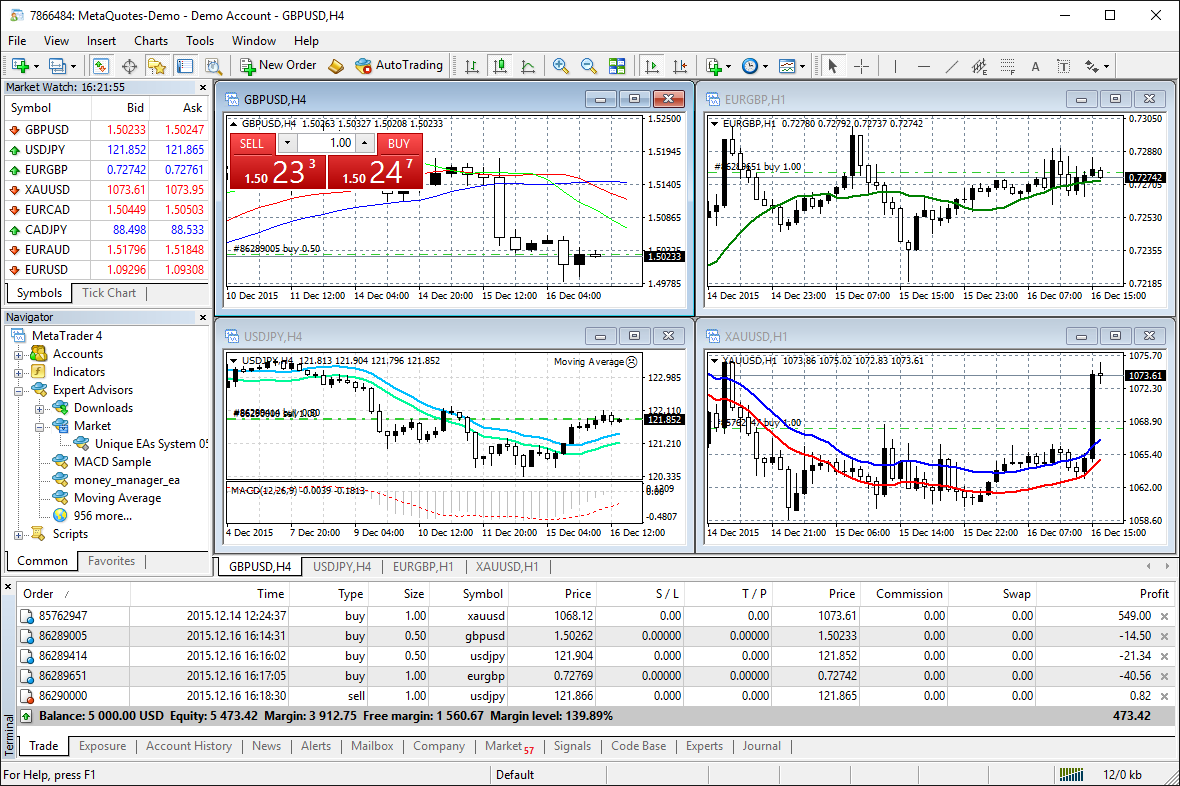
Minimum OS: Windows 7 SP1, upgradable to 11. Macs use Wine for desktop or native web/mobile.
RAM: 512MB runs basics, but 2GB+ handles multiple charts and backtests without freezes.
Processor: Any modern Intel/AMD from 1GHz. Multi-core speeds up optimizations.
Graphics: Basic, as it’s not GPU-heavy. 1024×768 resolution minimum.
Troubleshooting: Installation fails on Vista? Upgrade OS. “Not enough memory”? Close apps, add RAM. Antivirus quarantine? Whitelist the folder.
For example, on a laptop with 4GB RAM and i3 processor, it handles 10 charts fine. High-volatility testing needs 4GB+.
Internet: Stable broadband; dial-up works but lags executions.
Mobile: Android 4.1+, iOS 9+. All keep pace with desktop.
These keep Alpari MT4 accessible for most users.
How Do I Set Up My Alpari Account on MT4?
Set up your Alpari account on MT4 by selecting demo or live mode, choosing the correct server, and entering credentials for instant activation. Fast onboarding takes under 1 minute.
Open Alpari MT4. Click File > Login to Trade Account.
Demo: Pick “Alpari-Demo,” enter login (from client area), password, investor option if viewing only.
Live: Select “Alpari-Pro” or “Alpari-ECN,” input details from alpari.com/personal-area.
Server list appears on first login; search “Alpari” if needed.
Confirm with “Login.” Balance loads, charts populate.
New users: Register at alpari.com, verify email, open MT4 account, get details.
For instance, demo setup lets you practice EAs risk-free before live.
Issues? Wrong server causes “Invalid account.” Reset password via client area.
This direct process means you’re trading Forex or CFDs right away.
What is Fast Execution on Alpari MT4?
Fast execution on Alpari MT4 processes orders in under 50ms via ECN/STP models, eliminating requotes and dealing desk delays. Let’s explore how this powers reliable trades.
ECN connects you straight to liquidity providers. STP routes orders without intervention. Result: market prices every time.
Low latency shines in Forex. A buy on USD/JPY at 150.00 fills near that, not slipped to 150.05.
No requotes mean your order goes through or rejects instantly, not “requoted at worse price.”
Alpari invests in servers near exchanges, cutting ping times.
For CFDs, same speed applies to gold or indices during spikes.
Traders notice fills during news: FOMC announcements see sub-30ms executions.
This model suits high-frequency trading.
Does Alpari MT4 Offer Fast Execution for Scalping?
Alpari MT4 provides fast execution ideal for scalping, with spreads from 0 pips and speeds under 50ms on ECN accounts. Spreads stay tight, even in volatility.
Scalpers enter/exit multiple times daily, targeting 1-5 pips. Low latency ensures quick fills.
During high volatility, like Brexit, orders processed without major slippage.
For example, scalping EUR/USD on 1-minute charts: bid/ask updates instantly, allowing 10+ trades per hour.
No holding times or restrictions support this style.
How Does Fast Execution Benefit Forex and CFD Trading?
Fast execution reduces slippage, improves EA fills, and boosts profitability in Forex and CFDs. Advantages group into reliability and edge.
Slippage drops: Orders fill closer to requested price. In volatile crypto CFDs, this saves pips.
EAs run smoother: Automated scalpers like grid bots hit targets precisely.
Profitability rises: Backtests match live results better.
For instance, during oil news, CFD trades fill fast, capturing moves.
Overall, it levels the field for retail traders.
What Are Expert Advisors (EAs) on Alpari MT4?
Expert Advisors (EAs) on Alpari MT4 are automated trading scripts written in MQL4 that execute Forex and CFD strategies without manual input. To understand this better, see them as robot assistants.
EAs scan markets, open/close trades based on rules like moving average crossovers.
MQL4 scripting lets you code or download from the community. Thousands available.
Backtesting tools simulate years of data, optimizing parameters.
Role in trading: Automate 24/5, removing emotions. A trend EA rides EUR/USD uptrends.
Alpari servers support unlimited EAs per account.
Setup involves attaching to charts, setting lot sizes, stops.
Popular for scalpers, martingales, hedgers.
Backtest on Alpari’s tick data for accuracy.
Pros use VPS to keep EAs live.
This automation fits fast execution perfectly.
How Do I Install and Run EAs on Alpari MT4?
Install and run EAs on Alpari MT4 by dragging the .ex4 file to a chart and configuring settings in 4 steps. Compatibility with Alpari servers is full.
1. Download EA to MT4’s Experts folder (File > Open Data Folder > MQL4 > Experts).
2. Restart MT4 or refresh Navigator.
3. Drag EA to chart; popup shows inputs like risk percent, magic number.
4. Enable AutoTrading (smiley button), allow DLLs if needed.
Test on demo first. Adjust for Alpari’s spreads.
For example, a scalper EA on GBP/USD: Set 0.01 lots, run on M5 chart.
Alpari allows all EAs, no blacklists.
Can EAs Trade Forex and CFDs with Fast Execution?
EAs can trade Forex and CFDs seamlessly with Alpari’s fast execution, as seen with scalper EAs like Happy Forex or Forex Diamond. Optimize by matching server latency.
Popular EAs: Scalpers thrive on sub-50ms speeds for quick entries.
Examples: Grid EAs on gold CFDs, trend followers on majors.
Tips: Use ECN accounts, low-latency VPS, backtest with 99% quality data.
In Alpari environment, tweak stop levels for spreads.
This combo maximizes EA performance.
Advanced Alpari MT4 Features and Comparisons
Alpari MT4 offers VPS hosting, custom tools, and leverage suited for EAs, setting it apart from standard platforms with faster execution and broker-specific optimizations.
Furthermore, these elements shift trading from manual decisions to automated precision, ideal for Forex and CFD strategies.
What Unique Alpari Tools Enhance MT4 EAs?
Alpari provides Alpari VPS, a virtual private server that runs EAs nonstop without local computer dependency. This tool ensures trades execute at optimal times, even during power outages or internet issues. Traders load EAs onto the VPS, which connects directly to Alpari’s servers for latency under 1 millisecond. Custom indicators, like Alpari’s proprietary volatility filters, integrate seamlessly to refine EA signals.
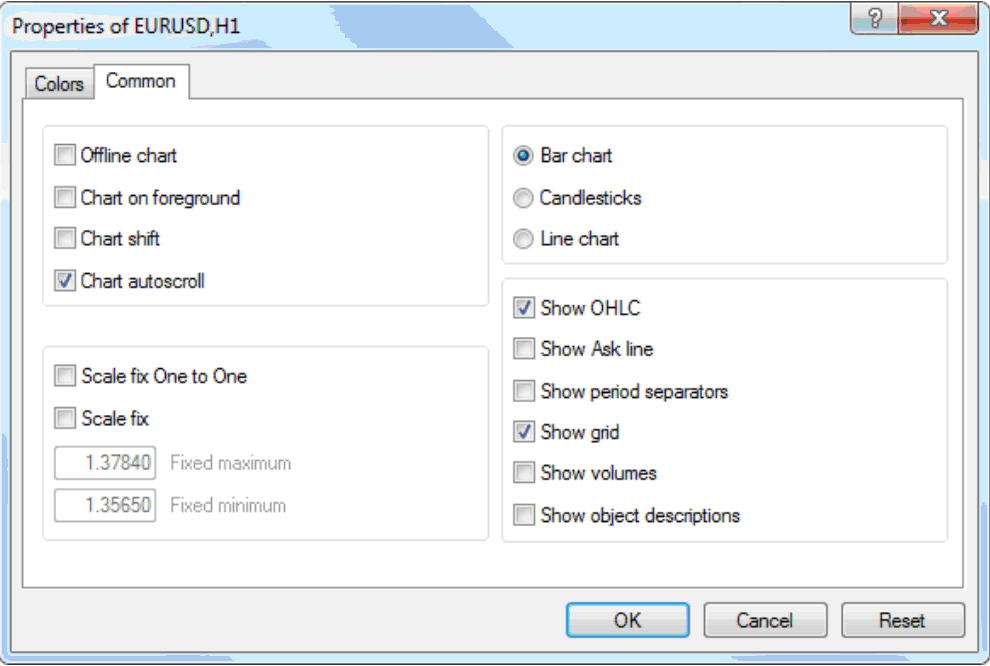
You’ll notice how this setup boosts reliability for scalping EAs. Without VPS, automated systems pause, missing opportunities. Alpari’s version includes one-click EA deployment and monitoring dashboards. Pair it with their API for real-time data feeds, enhancing backtesting accuracy.
This combination answers why many choose Alpari over generic hosting.
- VPS uptime exceeds 99.99%, minimizing downtime risks
- Custom indicators adjust for Alpari’s spread profiles automatically
- Free VPS access for accounts over $300 balances reduces setup costs
How Does Alpari MT4 Compare to Other Brokers’ MT4?
Alpari MT4 delivers tighter spreads averaging 0.0 pips on majors during peak hours, compared to IC Markets’ 0.1 pips or XM’s 0.6 pips. Execution speeds hit 50 milliseconds, faster than XM’s 100 ms average, thanks to Alpari’s ECN-like liquidity pools. While IC Markets offers raw spreads, Alpari includes commission-free nano accounts for EA testing.

Consider leverage: Alpari provides up to 1:3000 on MT4, higher than XM’s 1:888, allowing amplified grid strategies. However, IC Markets edges in VPS options with third-party integrations, but Alpari’s is broker-hosted for simplicity. Drawbacks include Alpari’s weekend gaps versus IC Markets’ swap-free reliability.
What makes Alpari preferable for EAs? Its platform stability suits high-frequency trades.
- Spreads 30% narrower than XM on EUR/USD
- Higher leverage supports martingale recovery without margin calls
- MT4 mobile app syncs VPS trades better than competitors
What Rare EA Strategies Work Best on Alpari MT4?
Grid and martingale EAs thrive on Alpari MT4 due to high leverage and low spreads, enabling recovery from drawdowns. Grid systems place buy/sell orders at intervals, profiting from ranging markets like GBP/JPY. Martingale doubles lots after losses, optimized here with 1:3000 leverage to handle volatility without quick stops.

Rare setups include hedging grids, banned on US brokers but allowed on Alpari. Test on demo first: backtests show 70% win rates on Alpari’s historical data. Avoid over-optimization; use Alpari VPS for live runs. These contrast manual trading by automating risk layers.
How do you implement? Start with lot sizing under 0.01 per $1000 equity.
- Grid EAs excel in 20-pip ranges with Alpari’s 0.0 spreads
- Martingale variants recover 80% of losses under high leverage
- Combine with custom volatility EAs for CFD indices like NAS100
Are There Alpari-Specific Bonuses for MT4 Traders?
Yes, Alpari runs deposit bonuses up to 100% for MT4 accounts, redeemable after 1 lot per $5 bonus, with EA trades counting fully. Their loyalty program awards points for EA volume, exchangeable for VPS credits or spread rebates. New traders get $30 welcome bonuses for MT4 verification, usable on EAs without deposit.
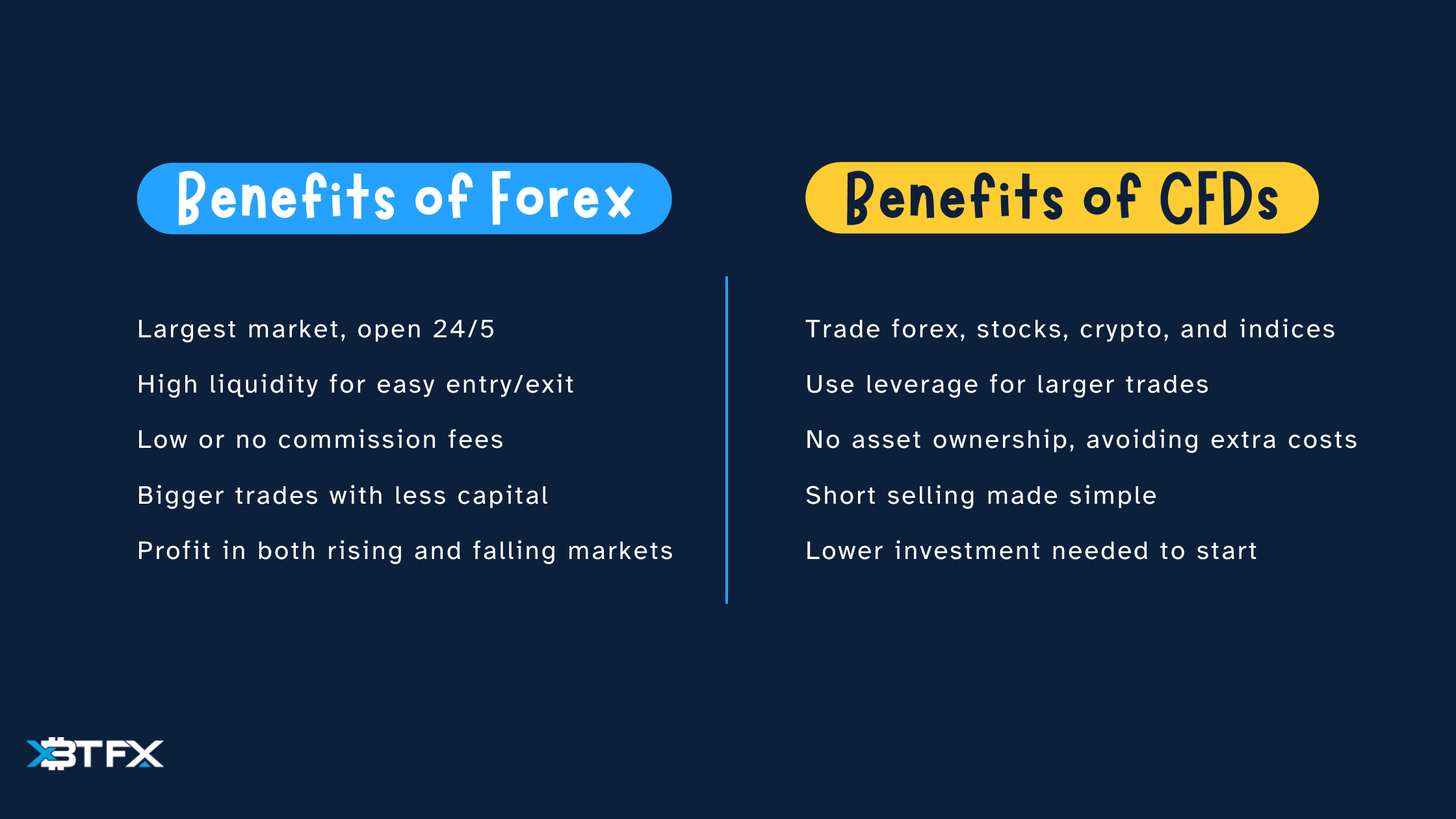
These incentives lower entry barriers versus plain accounts. Track via client portal; bonuses apply to Forex pairs and CFDs. Unlike generic promos, Alpari’s tie to trading volume favors automated users. Withdraw profits after conditions, typically 20 lots.
Does this boost EA performance? It adds free margin for scaling.
- 100% bonus doubles capital for martingale safety nets
- Loyalty tiers offer 20% cashback on EA commissions
- EA-optimized promos exclude manual-only trades
David Rodriguez
Senior Forex Analyst at ForexEAshop
David Rodriguez has over 8 years of experience in forex trading and market analysis. He specializes in institutional trading strategies and has helped thousands of traders improve their performance through his educational content and trading tools.