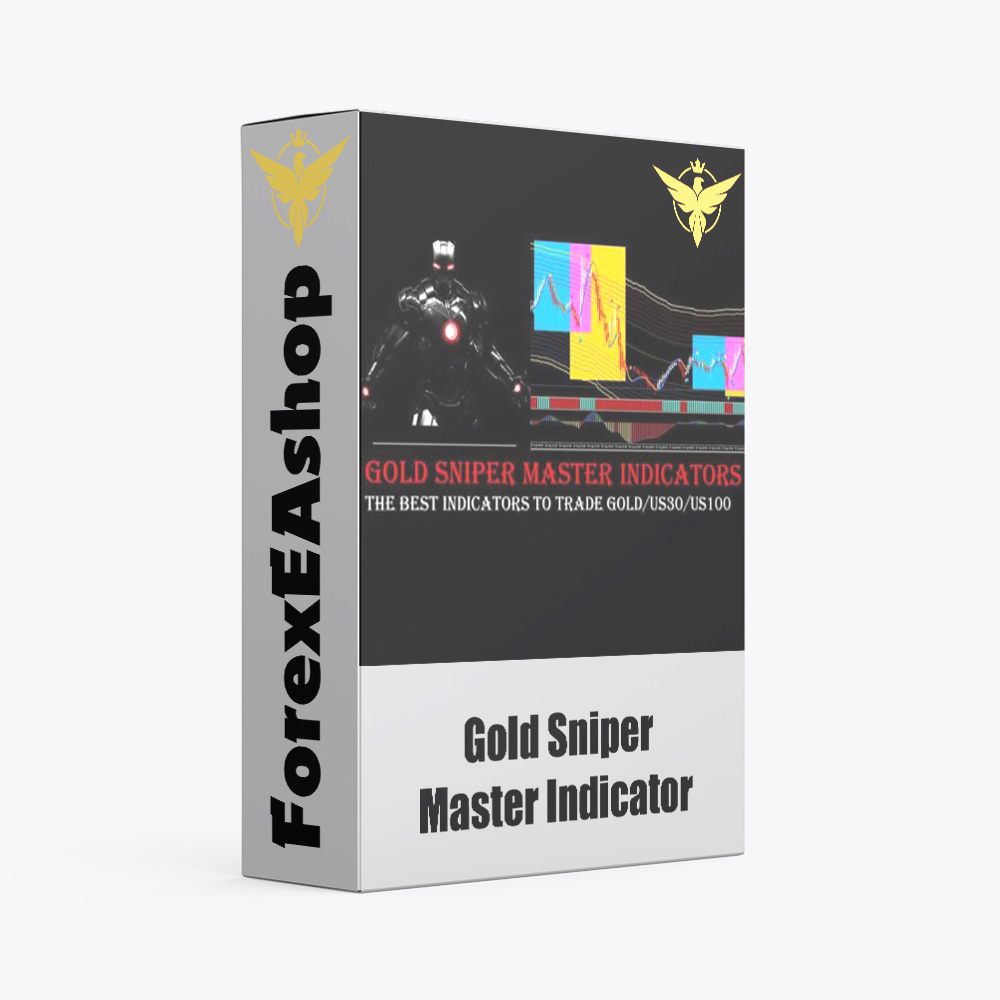
What is Gold Sniper Master Indicator?
Gold Sniper Master Indicator is an important optimal support tool for traders. With high accuracy, this support tool has proven good compatibility with market conditions. Gold Sniper Master Indicator is used exclusively on the Meta Trader 4 trading platform, trading on the M15 time frame, mainly trading currency pairs XAUUSD (GOLD), US30, US100. Its compatibility and ability to adapt to the market have helped it stand out among investors.
Vendor website: Private

Original price: $99
ForexEAshop price: $14 (You Save 90%)
Gold Sniper Master Indicator Features
- Used on platform : Meta Trader 4
- Works on any currency pair XAUUSD ( GOLD), US30, US100
- Trading on timeframe: M15
🚀 Recommend Use VPS Forex
To keep Experts Advisor running smoothly 24/7, use a quality Forex VPS. Optimize trading efficiency, no worries about interruptions!
Register VPS Now
Gold Sniper Master Indicator Strategy
Gold Sniper Master Indicator has ability to track each trading session is its strongest point when faced with a large market and many changes that are difficult to detect. Thanks to its strongest ability, it can give investors the most accurate signals, take profit for the highest account.
Trading Timing Is Crucial:
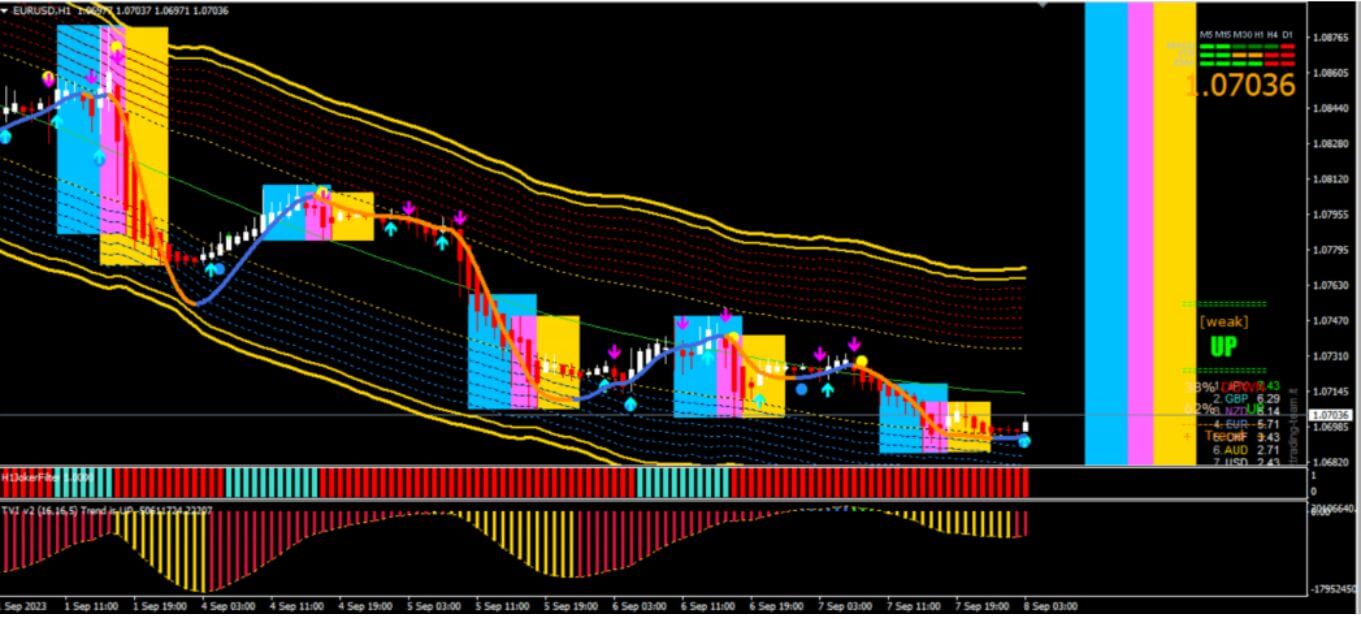
- Blue symbolizes the Europe session
- Yellow indicates the US session
- Purple represents the intersection between Europe and US sessions
Gold Sniper Master Indicator emphasizes strategy that the best forex trading times are during the US session (8 AM-4 PM NY Time), especially when the Purple and Yellow sessions overlap.
Buy and Sell Signals:
- BUY: Hold on until a blue arrow appears with a coinciding blue dot
- SELL: Remain patient until you spot a purple arrow combined with a yellow dot
How to install and run the Gold Sniper Master Indicator Trading Bot in Metatrader 4?
- Open the Metatrader 4 platform
- From the top menu, click on “File”
- Now click on “Open Data Folder”
- Open the “MQL4” folder
- Open the “Indicators” folder
- Copy the Gold Sniper Master Indicator.ex4 file here
- Then close and restart the MT4 platform
- Attach the Indicators to the chart
Now, you are ready to start using the Gold Sniper Master Indicator MT4!
If you have any questions regarding EA installation, you can view the information in the Help Center to assist you in installing the EA: Click to view
Gold Sniper Master Indicator Download
Link download Gold Sniper Master Indicator MT4 will be sent to your email after purchase.
Installation guide (if any) will be sent immediately via email after your purchase, or you can directly download it from the website, under the section: My account -> Download.
+ Expert :
- Gold Sniper Master Indicator.ex4 Indicators
- Unlimited / NoDLL / Build New
- Free 1 Year Updates (If there is a new update, please check in the download on the forexeashop website or you can contact us via Email or Telegram Lucas Jason and provide proof of purchase, we will send you the update)
Shopping Guide and Important Information
We Accept Payment: Cryptocurrency, USDT, Binance Pay, Skrill, Paypal: Click to view
More payment methods please contact: Email or Telegram Admin.
Cryptocurrency, PayPal: Our website checkout system automated.
Memo: Your email + EA name
EA will be send to your email ASAP. The download link will be sent to your email within 5 minutes after the order is confirmed.
Some EAs will need to wait a few hours to up to 12 hours to receive the download link.
Please read and agree to the information below before purchasing our products:
Beginner traders should research and learn about trading before using any EAs.
Please make sure you understand the risks involved with trading and that past performance is no guarantee for future results. (EA could also make losses).
The product does not guarantee profits and demands resilience, patience, and a positive attitude in forex trading.
Before use, please test the EA on a demo account first.
Happy trading!


Reviews
There are no reviews yet.