
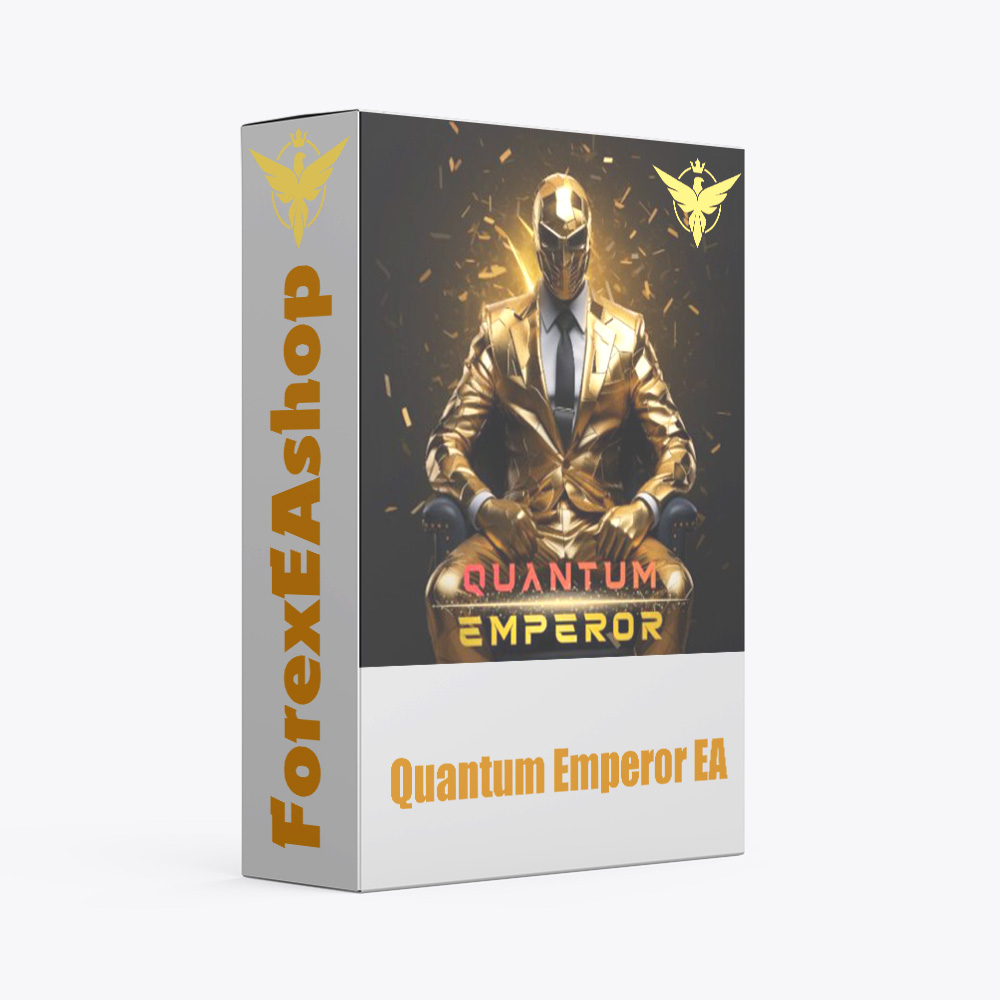

What is Quantum Emperor EA?
Quantum Emperor EA developed by a team of experienced traders with trading experience of over 13 years, utilizes a unique strategy where it continuously splits a single trade into seven smaller trades, this means that each time the EA executes a trade, it automatically divides it into seven smaller positions. EA stands out from other expert advisors due to its remarkable approach to handling losing trades, when faced with a losing seven trades batch, instead of closing them immediately, EA divides the next position into seven smaller ones. This unique strategy allows EA to optimize its risk management, minimize losses, and potentially turn losing trades into profitable ones. EA only used trading on platform Meta Trader 4, on the time frame H1, currency pairs GPBUSD.
Vendor website: https://www.mql5.com/en/market/product/103540

Original price: $1400
ForexEAshop price: $24 (You Save 99%)
Key Takeaways
- Gradual Closing of Losing Positions: When faced with a batch of seven losing trades, the expert advisor does not immediately close them. Instead, it further divides the next trade into seven smaller positions. It strategically uses profits from winning trades to gradually close the losing positions one by one, ultimately discarding all of them
- Risk Management and Loss Minimization: This unique strategy optimizes risk management by minimizing losses. It aims to turn losing trades into profitable ones by redistributing profits from winning trades to offset losses
- Adaptability and Resilience: Quantum Emperor EA demonstrates a higher level of adaptability and resilience in challenging market conditions due to its innovative approach to trade splitting and loss management
Quantum Emperor EA Setting / Features
- Used on platform : Meta Trader 4
- Works on any currency pair, best trading GBPUSD
- Trading on timeframe: H1
- Minimum deposit: $500
- Account type: ECN, Raw or Razor with very low spreads.
- Brokers : IC Markets, Pepperstone with Raw and Razor accounts for lowest spreads
- Account type: Hedge
- Every trade is protected with 250 pips SL
- Exit strategy incorporates a trailing stop using a H1 Chart
- Autolot function incorporated
- Very easy to install, does not need any changes on settings, default settings are perfect for most brokers that use a GMT+3 server time. If your broker has different server time, small time setting adjustments need to be done
🚀 Recommend Use VPS Forex
To keep Experts Advisor running smoothly 24/7, use a quality Forex VPS. Optimize trading efficiency, no worries about interruptions!
Register VPS NowLet’s see how Quantum Emperor EA works:
Quantum Emperor EA Reviews
Transaction certificate from FundedNext

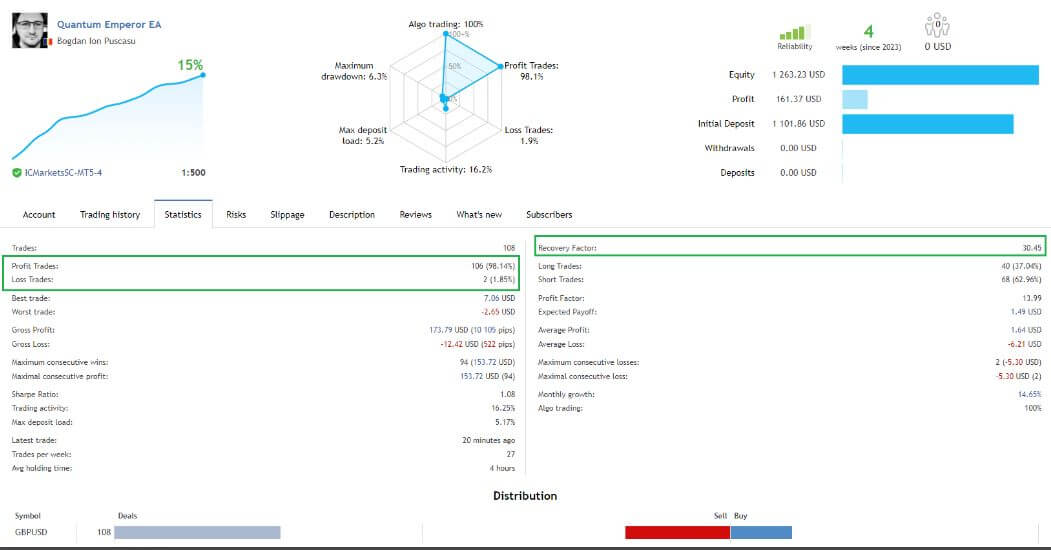
Quantum Emperor EA Results
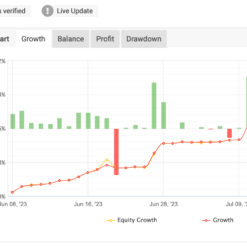
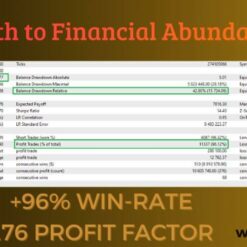
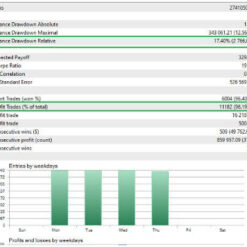
Quantum Emperor EA uses a unique strategy that optimizes risk management, minimizes losses and has the ability to turn losing trades into profitable ones. Delivers extremely impressive results.
Let’s see the results this EA achieved:

Signal link: Click to view


Recommend Settings
| Features | Type |
|---|---|
| Trading Platform | MetaTrader 4 (MT4) |
| Currency pairs | Works on any currency pair, best trading GBPUSD |
| Time Frame | H1 |
| Minimum deposit | 500$ |
| Recommend Leverage | 1:500 |
| Account type | ECN, Raw or Razor with very low spreads |
| Brokers | IC Markets, Pepperstone with Raw and Razor accounts for lowest spreads |
| Trading | Expert Advisot trading automated 100% |
| Trader | Suitable for Beginners and professional traders |
| Broker | Broker Compatibility Any broker |
| Product type | Without DLL |
| Virtual private server (VPS) | Recommned Use VPS |
How to install and run the Quantum Emperor EA Trading Bot in Metatrader 4?
- Open the Metatrader 4 platform
- From the top menu, click on “File”
- Now click on “Open Data Folder”
- Open the “MQL4” folder
- Open the “Experts” folder
- Copy the Quantum Emperor EA v6.0.ex4 file here
- Then close and restart the MT4 platform
- Attach the Expert Advisor to the chart
Now, you are ready to start using the Quantum Emperor EA v6.0 MT4 With Setfiles!
If you have any questions regarding EA installation, you can view the information in the Help Center to assist you in installing the EA: Click to view
You can watching How to video set Quantum Emperor:
Quantum Emperor EA Downloads
You will receive Quantum Emperor EA v6.0 MT4 With Setfiles to your email after purchase.
Installation guide (if any) will be sent immediately via email after your purchase, or you can directly download it from the website, under the section: My account -> Download.
Updated Jun 15, 2025: Quantum Emperor EA v6.0 MT4 With Setfiles (Build 1441+ MT4 Without DLL) ( Without DLL )
Updated February 04, 2025: Quantum Emperor EA v5.8 MT4 Without DLL Setfiles (Build 1431+) ( Without DLL )
Updated July 5, 2024: Quantum Emperor EA v5.3 MT4 Without DLL + Setfiles For Build 1420+ ( Without DLL )
Updated June 6, 2024: Quantum Emperor EA v5.1 MT4 Without DLL Build 1420 ( Without DLL )
Updated May 4, 2024: Quantum Emperor EA v4.8 MT4 With Setfiles (NoDLL) ( Without DLL )
Updated April 6, 2024: Quantum Emperor EA v4.5 MT4 For Build 1415 (NoDLL) ( Without DLL )
Updated March 16, 2024: Quantum Emperor EA v4.3 MT4 Without DLL For Build 1415 ( Without DLL )
Updated March 10, 2024: Quantum Emperor EA v4.2 MT4 Without DLL For Build 1415 ( Without DLL )
Updated February 26, 2024: Quantum Emperor EA v4.0 MT4 Without DLL For Build 1408+ ( Without DLL )
Updated February 17, 2024: Quantum Emperor EA v3.8 MT4 Without DLL For Build 1403 ( Without DLL )
Updated January 07, 2024: Quantum Emperor EA v3.6 MT4 With SetFiles (NoDLL) ( Without DLL )
Updated December 28, 2023: Quantum Emperor EA v3.6 MT4 With SetFiles (DLL) ( Without DLL )
+ Expert :
- Quantum Emperor 4.0.ex4
- Unlimited / NoDLL / Presets / Build New
- Free 1 Year Updates (If there is a new update, please check in the download on the forexeashop website or you can contact us via Email or Telegram Lucas Jason and provide proof of purchase, we will send you the update)
Shopping Guide and Important Information
We Accept Payment: Cryptocurrency, USDT, Binance Pay, Skrill, Paypal: Click to view
More payment methods please contact: Email or Telegram Admin.
Cryptocurrency, PayPal: Our website checkout system automated.
Memo: Your email + EA name
EA will be send to your email ASAP. The download link will be sent to your email within 5 minutes after the order is confirmed.
Some EAs will need to wait a few hours to up to 12 hours to receive the download link.
Please read and agree to the information below before purchasing our products:
Beginner traders should research and learn about trading before using any EAs.
Please make sure you understand the risks involved with trading and that past performance is no guarantee for future results. (EA could also make losses).
The product does not guarantee profits and demands resilience, patience, and a positive attitude in forex trading.
Before use, please test the EA on a demo account first.
Happy trading!


Xiang Yu (verified owner) –
The vender helped me remote setup the EA! Great customer service.