What is PFx Scalper EA?
PFx Scalper EA is special designed by a team of seasoned traders and EA developers with over a decade of experience. PFx Scalper EA is capable of trading more than 20 currency pairs in one chart, work on platform Meta Trader 4, use time frame different according to each strategy. This Expert Advisor own over 10 features, including Advanced Stop Loss, Entry Filter and hedging, PFx Scalper empowers traders to make consistent profits in the long run.
Vendor website: https://pfxscalper.com/

Original price: $349
ForexEAshop price: $19 (You Save 94%)
Key Takeaways
- PFx Scalper EA is an advanced trading tool that allows traders to trade over 20 currency pairs in one chart, offering features such as Advanced Stop Loss, Entry Filter, and hedging.
- Traders can choose between scalping or long swing trading strategies, and the algorithm includes a news filter to avoid risky trades based on information from Forex Factory and Myfxbook.
Follow our telegram channel to stay informed about the latest forex ea robot releases, updates to existing EAs, and get free EA downloads.
>>> Join the Channel Telegram Now <<<
>>> Reviewed by Lucas Jason <<<
Please read this note before purchasing and using EA: This EA has DLL files. If you know that how to use DLL, old terminal version and how to stop auto update in Metatrader then you can buy. Easy way you should rent a VPS Windows to setup EA on it, I will guide you (record setup video or help you setup via AnyDesk).
PFx Scalper EA Features
- Used on platform: Meta Trader 4
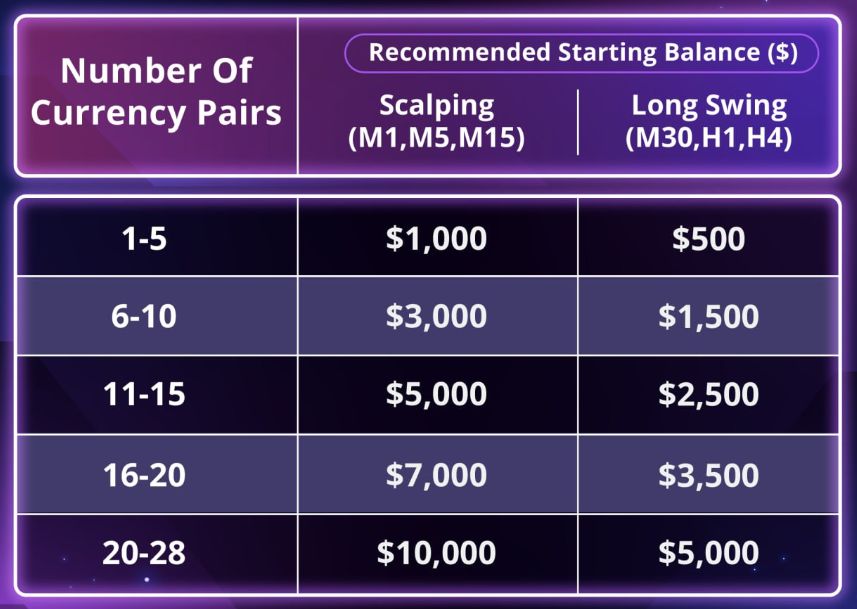
- Expert Advisor trade more than 20 currency pairs in one chart.
- Scalping (M1, M5, M15) or Long Swing (M30, H1, H4).
- News Filter: Filter out the risky trades based on two news sources – Forex Factory and Myfxbook.
- Advanced Stop Loss:Protect your equity with two additional stop loss options – Trailing Stop Loss & Breakeven Stop Loss.
- Time Management: Pick the best time to trade.
- Hyper Accurate Entry: Improve the accuracy by adjusting its sensitivity and smoothness parameters, selecting appropriate timeframes, and implementing effective entry filters.
- Smart-Martingale: Comprehensive setting to adjust martingale. Off it if you prefer to trade with TP/SL.
- Hedging: Protect your trade against adverse market movement.
- Backtesting available: Test to find out the best risk management settings.
- Any low spread broker will do, here are our recommended brokers: OctaFx, FBS.
- Recommend use VPS (Click see here).


PFx Scalper EA Reviews
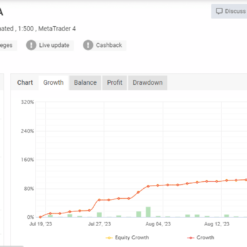
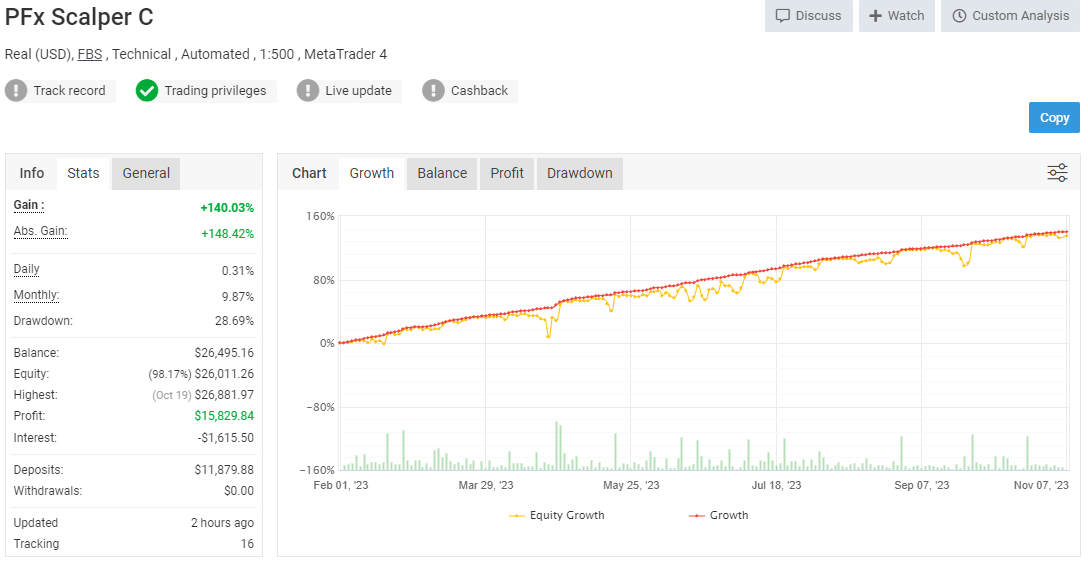
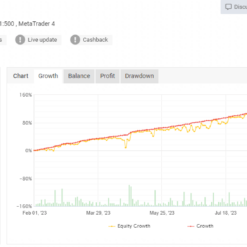
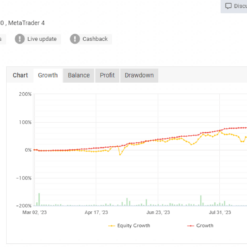
The PFx Scalper EA myfxbook performance soared with a remarkable 140.03% gain, accumulating $15,829.84 in profits, Drawdown 28.69%. Experience the unique success of Expert Advisor.
Signal myfxbook link: Click to view

The Expert Advisor use Scapler H1 performance 150.51% gain, Profit $4671.97, Drawdown 32.96%.
Signal myfxbook PFx Scapler H1 link: Click to view

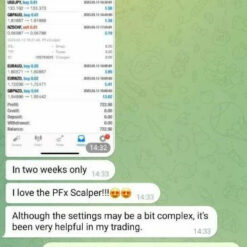
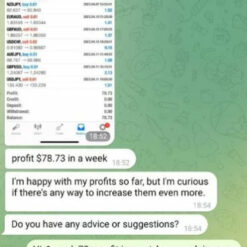
PFx Scalper EA Results
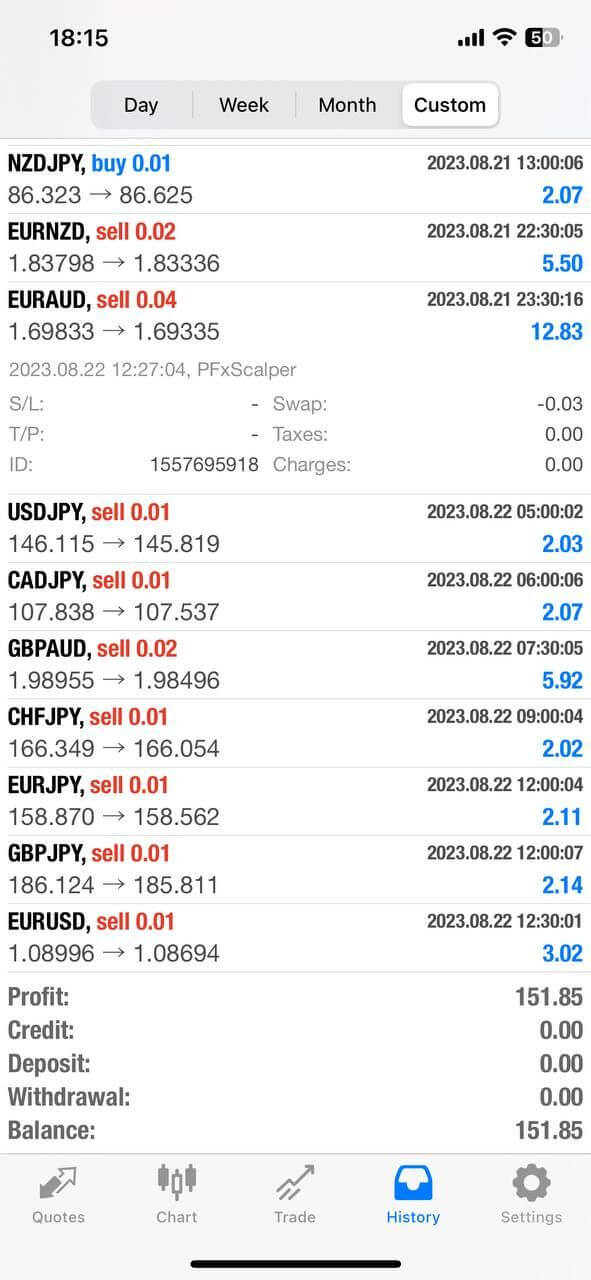
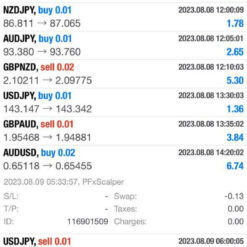
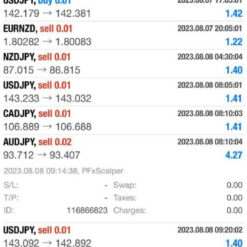
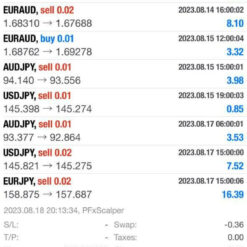
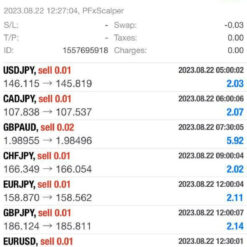
Expert Advisors use incredibly effective strategies that have achieved impressive profit results.
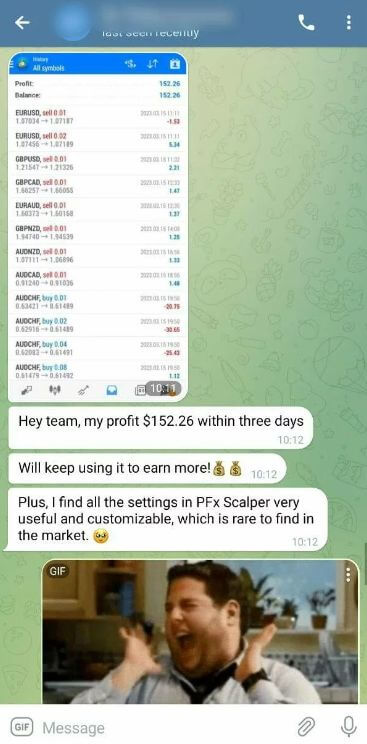
Or see some results when using the Expert Advisor automated trading system:

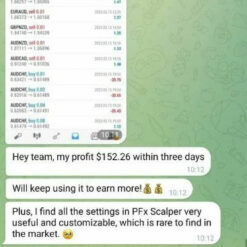
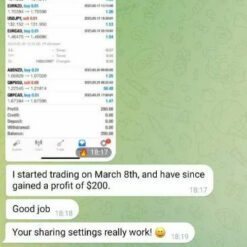
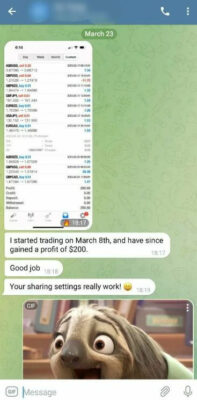
PFx Scalper EA Testimonials

Trading Specifications
Recommended settings and parameters to pay attention to from developers and experts:
| Features | Type |
|---|---|
| Trading Platform | MetaTrader 4 (MT4) |
| Currency pairs | Trade more than 20 currency pairs in one chart |
| Time Frame | Scalping (M1, M5, M15) or Long Swing (M30, H1, H4) |
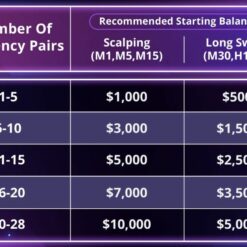
| Minimum deposit | 500$ |
| Recommend Leverage | 1:500 |
| Trading | Expert Advisot trading automated 100% |
| Trader | Suitable for Beginners and professional traders |
| Broker | Broker Compatibility Any broker |
| Product type | Have DLL |
| Virtual private server (VPS) | Recommned Use VPS |
>>> Reviewed by Lucas Jason <<<
Follow our telegram channel to stay informed about the latest forex ea robot releases, updates to existing EAs, and get free EA downloads.
>>> Join the Channel Telegram Now <<<
How to install and run the PFx Scalper EA Trading Bot have DLL in Metatrader?
- Some EA has DLL from unknown developers will be mistakenly labeled as malicious and removed by Defender or Antivirus.
- So you need turn off antivirus or windows defender protect to download and use.
- You should use VPS and you turn off antivirus or windows defender protect on VPS to use.
- Next time you reopen the VPS, you don’t need to do anything about it anymore, Without DLL, there is no need to disable it.
Please read this note before purchasing and using EA: This EA has DLL files. If you know that how to use DLL, old terminal version and how to stop auto update in Metatrader then you can buy. Easy way you should rent a VPS Windows to setup EA on it, I will guide you (record setup video or help you setup via AnyDesk).
PFx Scalper EA Downloads
Link download PFx Scalper EA MT4 v2.0 Setfiles will be sent to your email after purchase.
Installation guide (if any) will be sent immediately via email after your purchase, or you can directly download it from the website, under the section: My account -> Download.
Updated March 10, 2025: PFx Scalper EA MT4 v2.0 Setfiles (Build 1440 DLL)
+ Expert Advisor Download :
- PFx Scalper v2.0.ex4
- Unlimited / DLL / Presets + PDF Manual
- Free 1 Year Updates (If there is a new update, please check in the download on the forexeashop website or you can contact us via Email or Telegram Lucas Jason and provide proof of purchase, we will send you the update)
Please read this note before purchasing and using EA: This EA has DLL files. If you know that how to use DLL, old terminal version and how to stop auto update in Metatrader then you can buy. Easy way you should rent a VPS Windows to setup EA on it, I will guide you (record setup video or help you setup via AnyDesk).
Shopping Guide and Important Information
We Accept Payment: Cryptocurrency, USDT, Binance Pay, Skrill, Paypal: Click to view
Cryptocurrency, PayPal: Our website checkout system automated. Pay with cryptocurrency for 15% discount (proceed to checkout to select Crypto).
Memo: Your email + EA name
EA will be send to your email ASAP. The download link will be sent to your email within 5 minutes after the order is confirmed.
Some EAs will need to wait a few hours to up to 12 hours to receive the download link.
More payment methods please contact: Email or Telegram Admin.
>>> Join the Membership Now <<<
Follow our telegram channel to stay informed about the latest forex ea robot releases, updates to existing EAs, and get free EA downloads.
>>> Join the Channel Telegram Now <<<
Please read and agree to the information below before purchasing our products:
Beginner traders should research and learn about trading before using any EAs.
Please make sure you understand the risks involved with trading and that past performance is no guarantee for future results. (EA could also make losses).
The product does not guarantee profits and demands resilience, patience, and a positive attitude in forex trading.
Before use, please test the EA on a demo account first.
Happy trading!


Reviews
There are no reviews yet.