

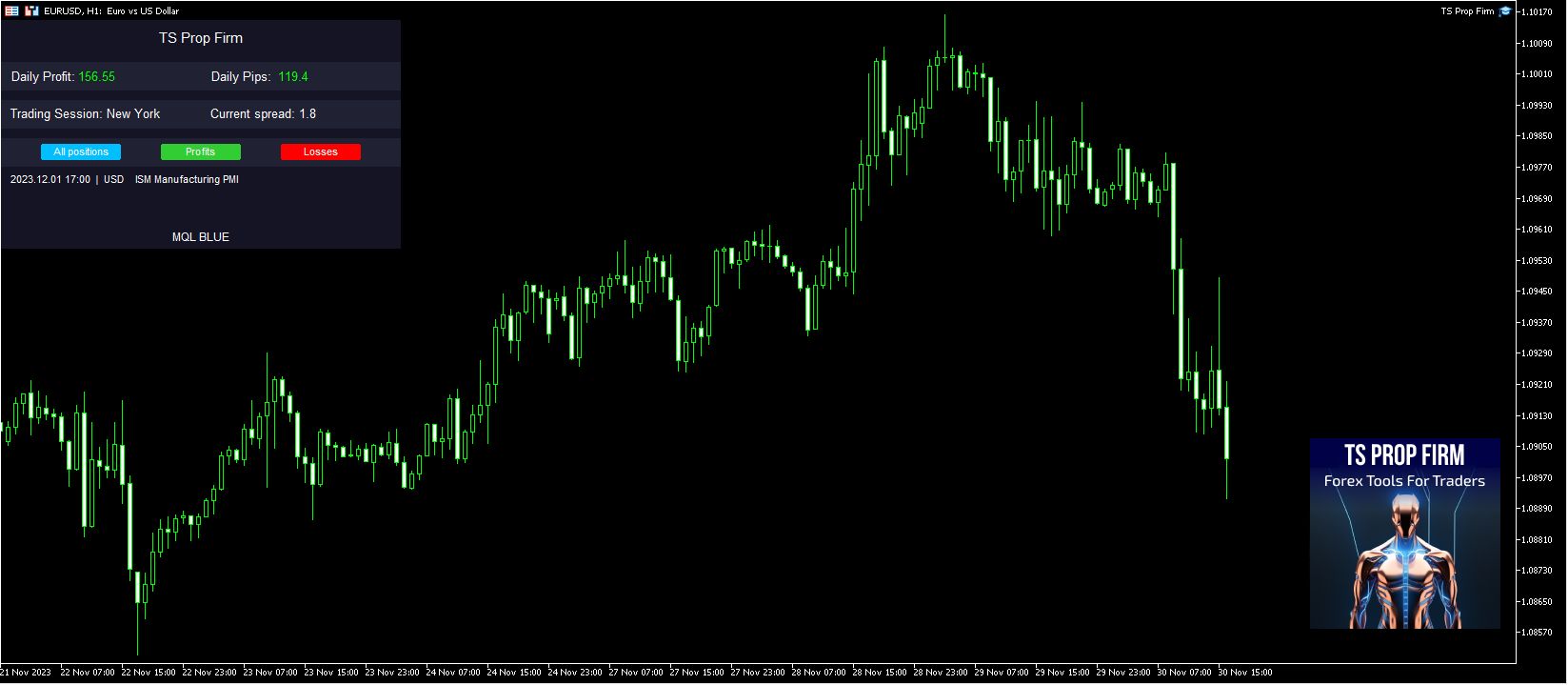
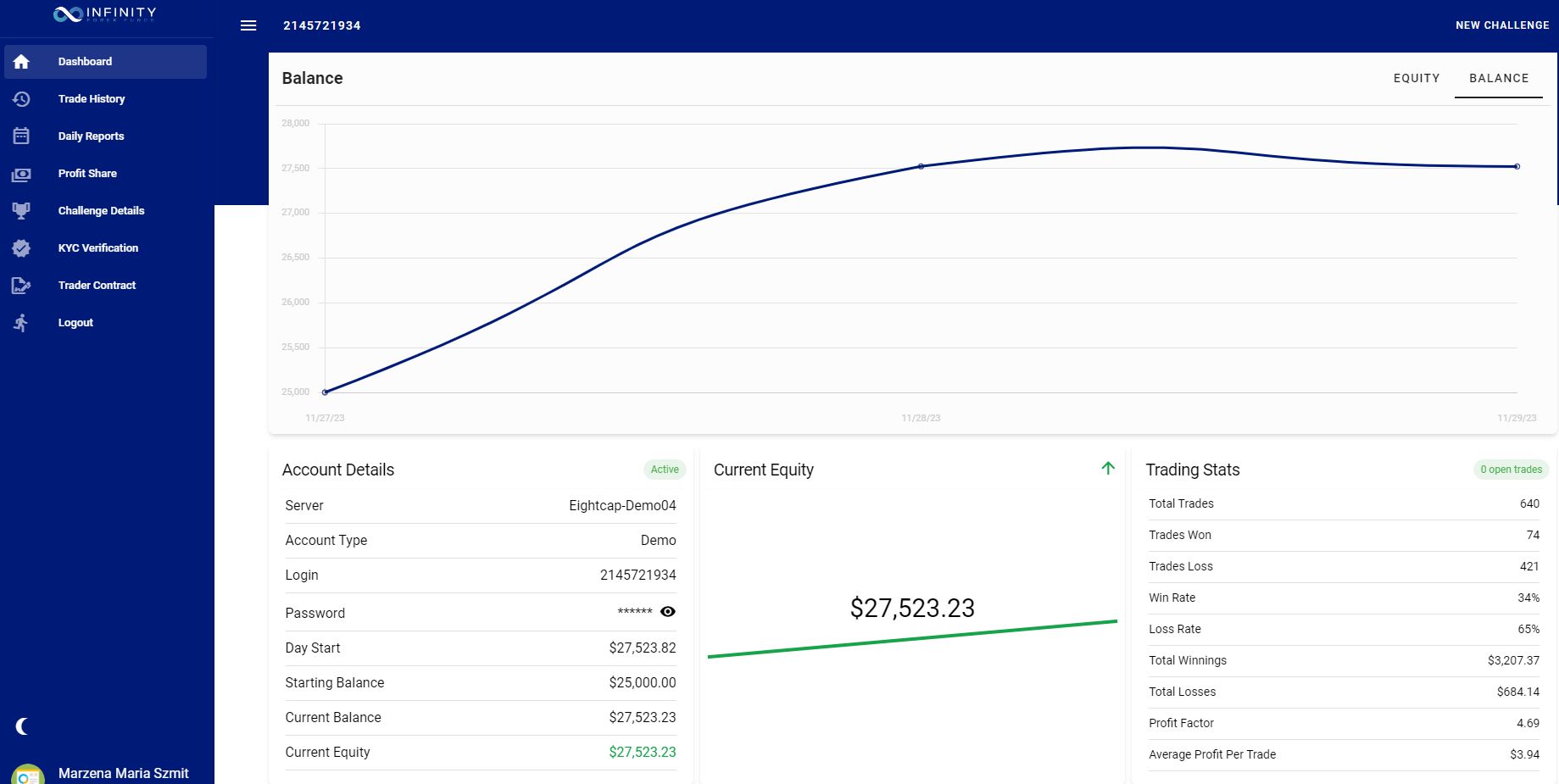
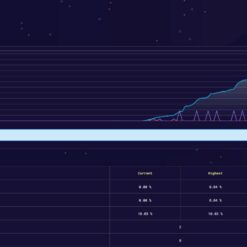

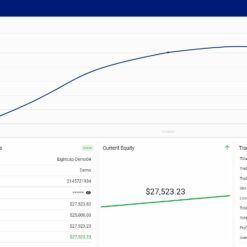
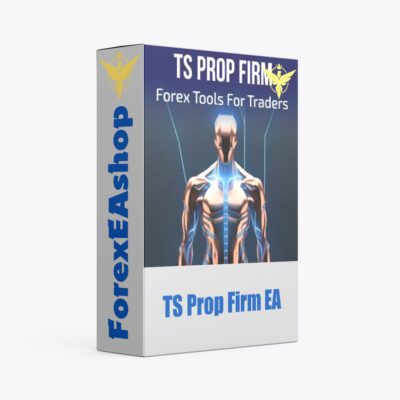

What is TS Prop Firm EA?
TS Prop Firm EA is meticulously designed to cater to the needs of High-Frequency Trading (HFT) Prop Trading Firms, specifically tailored to meet challenge conditions, work on Meta Trader 4 platform. Expert Advisor supports trading on the EURUSD, XAUUSD, and US30 pairs, with time frame H1, offering flexibility and versatility. Traders can select from three risk levels: Low, Medium, and High, enabling customization based on individual risk tolerance. A notable feature of the EA is its protection mechanism during significant news events. When high-impact news is released, the robot refrains from opening positions for 60 minutes before and after the news, ensuring optimal risk management during volatile market conditions.
Vendor website: https://www.mql5.com/en/market/product/107965

Original price: $499
ForexEAshop price: $19 (You Save 96%)
Key Takeaways
- TS Prop Firm EA is designed for High-Frequency Trading (HFT) Prop Trading Firms, supporting EURUSD, XAUUSD, and US30 pairs on the Meta Trader 4 platform with customizable risk levels.
- The Expert Advisor includes a protection mechanism during high-impact news events, refraining from opening positions for 60 minutes before and after the news to manage risk during volatile market conditions.
- It is recommended to run the robot on a VPS for 24-hour connectivity and to test it on a demo account before deploying it on a real account, with a minimum deposit of $1000 and leverage of 1:30 up to 1:1000.
TS Prop Firm EA Setting / Feature
- Used on platform: Meta Trader 4
- Currency pairs support: EURUSD, XAUUSD, US30.
- Time frame: H1.
- Minimum lots: 0.01.
- Minimum deposit of $1000.
- Leverage of 1:30 up to 1:1000.
- Recommend running the robot on a VPS so that it stays connected for 24 hours and testing the robot on a demo account before adding it to a real account.
🚀 Recommend Use VPS Forex
To keep Experts Advisor running smoothly 24/7, use a quality Forex VPS. Optimize trading efficiency, no worries about interruptions!
Register VPS Now
TS Prop Firm EA Review


How to install and run the TS Prop Firm EA Trading Bot in Metatrader 4?
- Open the Metatrader 4 platform
- From the top menu, click on “File”
- Now click on “Open Data Folder”
- Open the “MQL4” folder
- Open the “Experts” folder
- Copy the TS Prop Firm v1.0.ex4 file here
- Then close and restart the MT4 platform
- Attach the Expert Advisor to the chart
Now, you are ready to start using the TS Prop Firm v1.0 MT4!
If you have any questions regarding EA installation, you can view the information in the Help Center to assist you in installing the EA: Click to view
Note Important Parameters:
- Filter news – USD, EUR
- Custom comments – the ability to specify your own trade comments
- Risk percent – selecting the size of the lots based on the risk percentage
- Select risk mode – three modes to select the risk, low, medium and high
- Trailing Stop and Step – Trailing options for Low, Medium and High mode
- Orders Step – distance in points between trades
- Trade Hours – choose the days and hours that EA will work (Local time-PC)
- Max Spread – spread filter is an additional safeguard for trading
- Lots – lot size of opened trades
- Take Profit – take profit in pips
- Stop Loss – stop loss in pips
- Max Drawdown – the maximum drawdown on the account is set at 4%
- Orders Profit – profit in account currency for a positions to be closed
- Magic No – identification number for trades opened by the instance of the strategy
- Allow trading in holidays – when news filter is active, this function allow to open new trades from new cycles during holidays
- NewsFilter – activation of news filter for blocking new trades
- Disable EA after loss – after reaching the MaxDD loss, the robot will stop opening new positions until the following day
doNotTradeBefore/AfterInMinutes – minutes before and after the news during which EA cannot place new trades - ReportFor USD/EUR (true/false) – choice of the currency for which the news are included in the filter
AllowTradingOnHolidays – when news filter is active, this function allow to open new trades from new cycles during holidays
Please use a demo account before trading with a real account.
TS Prop Firm EA Download
Link download TS Prop Firm EA v1.0 MT4 Without DLL will be sent to your email after purchase.
Installation guide (if any) will be sent immediately via email after your purchase, or you can directly download it from the website, under the section: My account -> Download.
Updated June 15, 2024: TS Prop Firm EA v1.0 MT4 Without DLL Build 1420+ ( Without DLL)
+ Expert Advisor Download :
- TS Prop Firm v1.0.ex4
- Unlimited / NoDLL / Build New
- Free 1 Year Updates (If there is a new update, please check in the download on the forexeashop website or you can contact us via Email or Telegram Lucas Jason and provide proof of purchase, we will send you the update)
Shopping Guide and Important Information
We Accept Payment: Cryptocurrency, USDT, Binance Pay, Skrill, Paypal: Click to view
More payment methods please contact: Email or Telegram Admin.
Cryptocurrency, PayPal: Our website checkout system automated.
Memo: Your email + EA name
EA will be send to your email ASAP. The download link will be sent to your email within 5 minutes after the order is confirmed.
Some EAs will need to wait a few hours to up to 12 hours to receive the download link.
Please read and agree to the information below before purchasing our products:
Beginner traders should research and learn about trading before using any EAs.
Please make sure you understand the risks involved with trading and that past performance is no guarantee for future results. (EA could also make losses).
The product does not guarantee profits and demands resilience, patience, and a positive attitude in forex trading.
Before use, please test the EA on a demo account first.
Happy trading!


Reviews
There are no reviews yet.