
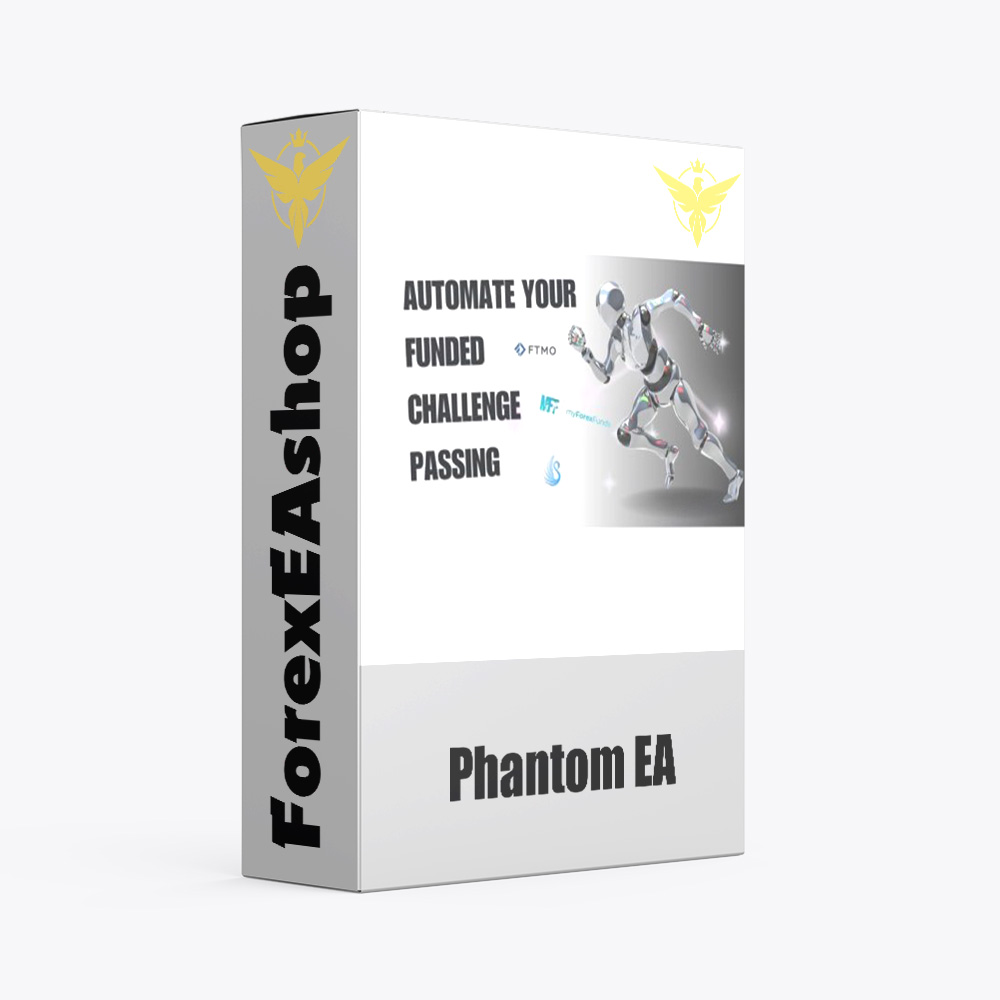
What is Phantom EA?
Phantom EA is a Forex automated trading tool designed to enhance trading decisions, it is traded on the Meta Trader 5 platform, M1 precision timeframe, trading on XAUUSD currency pairs . The EA operates completely autonomously, possessing a strong ecosystem community on Discord connecting traders with common goals and success.
Vendor website: https://blackswanfx.com

Original price: $2499
ForexEAshop price: $19 (You Save 99%)
Key Takeaways
- Experience the future of forex trading with Phantom EA MT5, where manual monitoring is a thing of the past. Our cutting-edge system is designed to elevate your trading decisions through automation.
- Join thriving community on Discord, where you’ll not only connect with fellow traders but also embark on a shared journey of mutual goals, aspirations, and triumphs.
- Unwavering expertise as Phantom EA MT5 embodies the meticulous craftsmanship of a team deeply immersed in the nuances of forex currency trading. Our passion for trading knows no bounds, ensuring you the best in the business.
Please read this note carefully before purchasing and using EA with DLL: If you know how to use DLL from the old terminal version and how to disable automatic updates in Metatrader, you can buy it. Or if you do not know how to install, visit Help Center, we will show you the instructions for installing EA with DLL. Don’t worry, if you see it but still cannot do it successfully, please contact Admin Lucas Jason to support you with the installation via AnyDesk.
Phantom EA Features
- Used on platform : Meta Trader 5
- Timeframe: accuracy on trading M1
- Currency Pairs: XAUUSD
- SetFiles: Comes with a default setting for ease of use.
- Minimum Deposit: 500$
🚀 Recommend Use VPS Forex
To keep Experts Advisor running smoothly 24/7, use a quality Forex VPS. Optimize trading efficiency, no worries about interruptions!
Register VPS Now
How to install and run the Phantom EA Trading Bot have DLL in Metatrader?
- Some EA has DLL from unknown developers will be mistakenly labeled as malicious and removed by Defender or Antivirus.
- So you need turn off antivirus or windows defender protect to download and use.
- You should use VPS and you turn off antivirus or windows defender protect on VPS to use.
- Next time you reopen the VPS, you don’t need to do anything about it anymore, Without DLL, there is no need to disable it.
Please read this note carefully before purchasing and using EA with DLL: If you know how to use DLL from the old terminal version and how to disable automatic updates in Metatrader, you can buy it. Or if you do not know how to install, visit Help Center, we will show you the instructions for installing EA with DLL. Don’t worry, if you see it but still cannot do it successfully, please contact Admin Lucas Jason to support you with the installation via AnyDesk.
What is the Funded Lab?
The Funded Lab, powered by advanced AI, streamlines your journey, ensuring you pass and automating payouts. With a unique blend of solutions, even those new to trading can confidently embark on their prop firm journey.
-
100’s Of Challenges Passed
-
-
-
-
-
The Funded Lab work prop firm passing with AI.
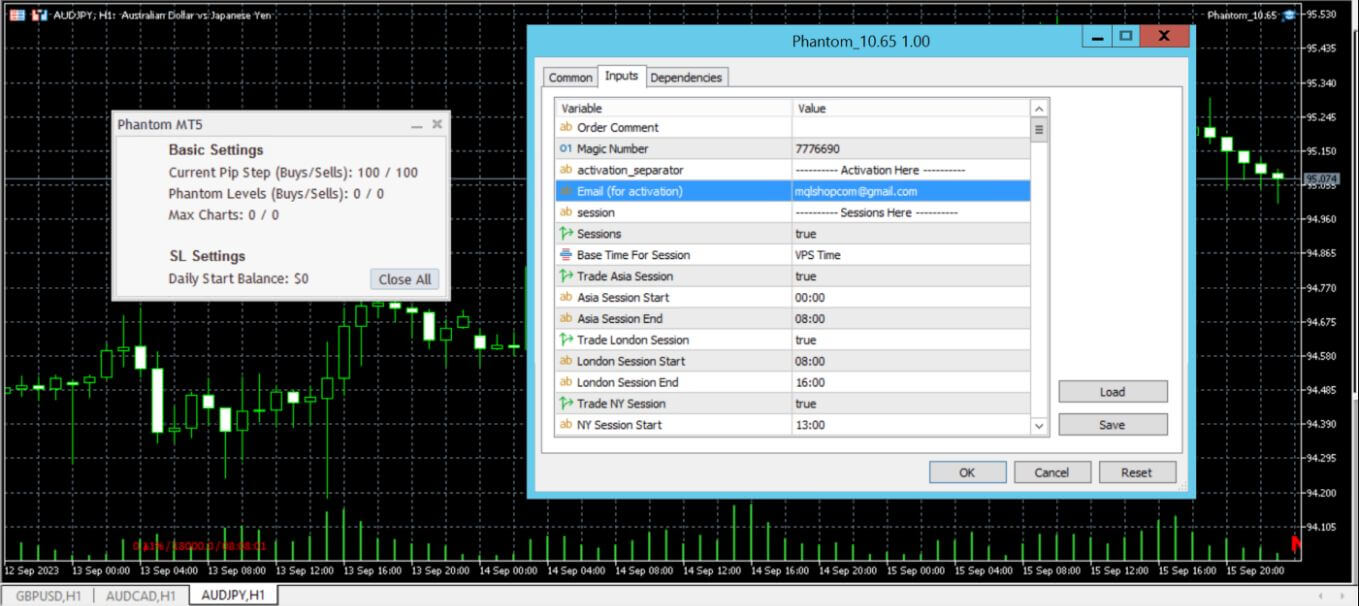
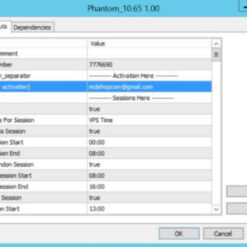
Phantom EA Setting
Recommended input parameters use Expert Advisor (EA) for investors.
Important:
This product using custom DLL “msimg32.dll” for MT5 build 3815, some antivirus may block it and flag it as a virus. You need to make your antivirus “allow it”. Its a false alarm and its SAFE ,this false alarm is triggered because this is a custom DLL and not verified to any publisher but need to make this product unlocked.

Phantom EA Download Package
Link download Phantom EA v10.65 MT5 will be sent to your email after purchase.
Installation guide (if any) will be sent immediately via email after your purchase, or you can directly download it from the website, under the section: My account -> Download.
+ Expert Advisor Download :
- Phantom EA v10.65.ex5
- Unlimited / msimg32.DLL / Fix File
- Free 1 Year Updates (If there is a new update, please check in the download on the forexeashop website or you can contact us via Email or Telegram Lucas Jason and provide proof of purchase, we will send you the update)
Shopping Guide and Important Information
We Accept Payment: Cryptocurrency, USDT, Binance Pay, Skrill, Paypal: Click to view
More payment methods please contact: Email or Telegram Admin.
Cryptocurrency, PayPal: Our website checkout system automated.
Memo: Your email + EA name
EA will be send to your email ASAP. The download link will be sent to your email within 5 minutes after the order is confirmed.
Some EAs will need to wait a few hours to up to 12 hours to receive the download link.
Please read and agree to the information below before purchasing our products:
Beginner traders should research and learn about trading before using any EAs.
Please make sure you understand the risks involved with trading and that past performance is no guarantee for future results. (EA could also make losses).
The product does not guarantee profits and demands resilience, patience, and a positive attitude in forex trading.
Before use, please test the EA on a demo account first.
Happy trading!


Reviews
There are no reviews yet.